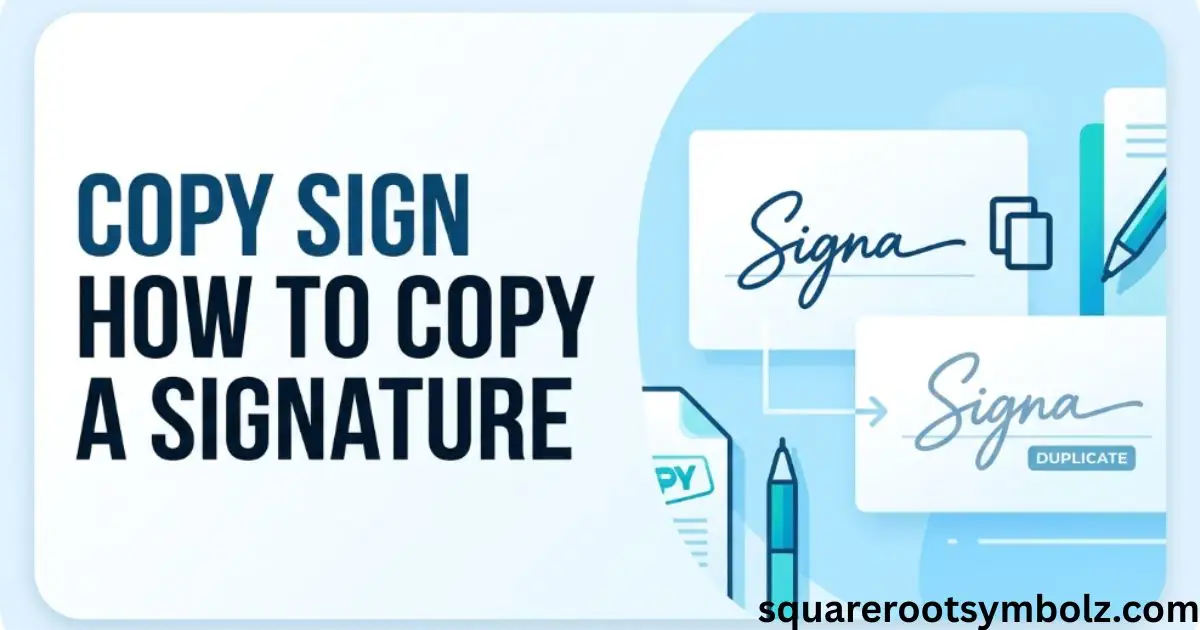
Copy sign usually means reusing or placing a saved signature on a digital document, especially a PDF. If you have ever needed to sign several forms and wished you could avoid signing each one from scratch, a copy sign workflow can save time. It connects several related concepts, including digital signatures, signature images, PDF documents, electronic signatures, and document management.
In practical document work, the difficult part is rarely drawing your name. The real problem is keeping the signature correctly positioned, maintaining document security, and knowing when a copied signature is appropriate. This guide explains copy sign in simple terms, shows the common PDF workflow, and clarifies the difference between a reusable signature image and a formal digital signature.
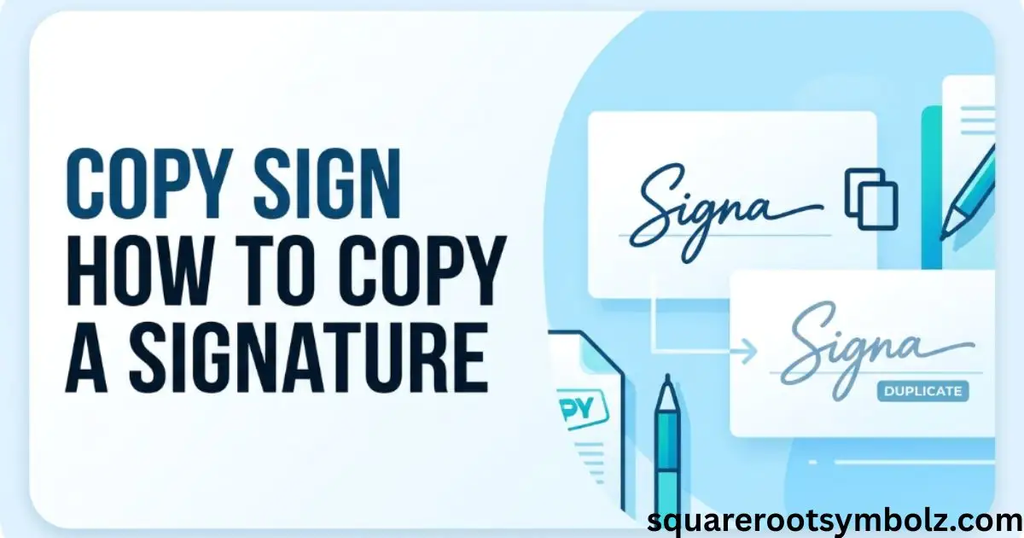
Copy Sign with pdfFiller
Copy sign refers to reusing a signature across digital documents. Common related terms include PDF signature, electronic signature, saved signature, signature image, and document workflow. The basic idea is simple: instead of recreating your signature every time, you use a stored signature and place it where the document requires it.
This approach can be especially useful when several forms, contracts, applications, or agreements require the same person’s signature. Modern PDF platforms can store signature information and let users insert it into designated areas. However, copying a visual signature is not automatically the same thing as applying a cryptographic digital signature.
How to Copy Sign quickly and easily
A typical copy sign process starts by opening the PDF document and selecting the signing function. You then choose an existing signature or create one, place it inside the required signature field, check its size and position, and save or send the finished document. This workflow is described similarly by pdfFiller and other PDF platforms.
The important step is reviewing the document before sending it. A signature that is too large, too small, or positioned over important text can make a professional document look careless. Always check the final PDF, confirm the correct signer, and make sure the signature appears in the intended location.
What is Copy Sign?
Copy sign can describe the process of replicating a signature for use on another document. In everyday PDF workflows, this often means selecting a stored signature and placing it on another page or file. Related concepts include electronic signature, signature image, initials, signature field, and saved signature.
There is an important distinction, though. A picture of a handwritten signature is simply an image or visual mark. A digital signature can involve additional information used to authenticate the signer and detect changes to a document. That difference matters when documents involve contracts, financial transactions, legal records, or sensitive information.
Why Copy Sign matters for digital document workflows
The main attraction of copy paste sign is convenience. Reusing a saved signature can reduce repetitive manual work across PDF forms, agreements, contracts, and applications. Digital document workflows also make it easier to edit, sign, store, retrieve, and share files without printing every page.
For a small business owner, imagine receiving ten similar forms that all require your signature. Recreating your handwritten mark ten times wastes time and increases the chance of inconsistent placement. A reusable signature workflow can make the process smoother while keeping the document review step under your control.
Typical use-cases and industry applications of Copy Sign
Copy sign workflows can appear in real estate, finance, legal services, education, human resources, and general business administration. Examples include lease paperwork, employment documents, financial forms, applications, agreements, and internal approvals. PDF platforms commonly promote these types of documents as eSignature use cases.
The appropriate workflow depends on the document and the organization’s requirements. A simple reusable signature image may be suitable for some routine paperwork, while a stronger authenticated electronic-signature process may be needed for important transactions. When the document has legal or financial consequences, follow the signing requirements specified by the organization.
Your complete how-to guide – copy sign from pdf
A copy sign from PDF workflow generally involves opening the document, identifying the signature, selecting the appropriate signing or editing function, and placing the signature where it belongs. Related concepts include PDF editing, signature extraction, signature image, eSignature, and document authentication.
The safest practical approach is to use a signing platform or PDF editor that clearly identifies the signature tool. Avoid copying a signature merely because the image is technically selectable. Permission, signer identity, document integrity, and the purpose of the signature all matter when handling official documents.
Follow these steps to copy sign from PDF using airSlate SignNow:
A typical workflow is straightforward: open the signing platform, upload the document, add or select the signature, position it correctly, and complete the signing process. SignNow describes a workflow involving document upload, editing, signature fields, and sending an eSignature request.
For a signature image already contained in a PDF, the technical process can be different. You may need a PDF reader that permits image selection and extraction. After selecting the signature area, it can potentially be copied as an image and saved in a suitable format. The permission and intended use should always be considered.
How it works
At its simplest, copy sign works by separating the visual signature from the rest of a document or by retrieving a signature already saved inside an eSignature platform. The signature can then be inserted into another appropriate signing workflow. This is different from simply copying ordinary text from a PDF.
For example, imagine a company employee has a saved signature image in a secure signing account. When another approved form arrives, the employee can select that stored signature, place it in the designated field, review the document, and complete the signing process without printing and rescanning the page.
Understanding how to copy a signature from a PDF
Copying a signature from a PDF can mean extracting a visual signature image from the document and using it elsewhere. SignNow describes this as extracting signature image or text from a document, followed by copying and pasting the selected material into another file.
This does not automatically make the copied image an authenticated digital signature. A visual signature can be duplicated like other graphics. Formal eSignature systems may associate a signing event with identity, authentication, timestamps, document information, and an audit trail. That distinction is essential for sensitive documents.
Legal use of copied signatures
In the United States, electronic signatures are recognized under federal and state laws, including the federal ESIGN Act and state electronic-transactions laws such as UETA. However, the legal effect of a particular signature depends on the circumstances, consent, authentication process, document type, and applicable requirements.
A copied signature image should therefore not be treated as automatically equivalent to every type of digital signature. If you are signing a contract, authorization, financial document, legal filing, or other important record, use the signing method required by the organization or applicable process rather than assuming an image alone is sufficient.
Security and compliance guidelines
A stored signature deserves the same care as other sensitive account information. Keep signature files inside trusted software, protect the account with strong authentication, restrict unnecessary access, and avoid sending signature images through unsecured channels. A copied signature can be misused if someone gains unauthorized access to the file.
For business workflows, audit trails and authentication can provide additional evidence about who signed and when. Some eSignature services also provide encryption and related security controls. SignNow and pdfFiller both emphasize security and compliance features within their signing workflows.
How to copy sign in pdf
Copy sign in PDF normally means reusing a signature while working with a PDF document. The workflow may involve a PDF editor, signature field, saved signature, image, or electronic-signature service. DocHub describes a process centered on uploading a document, editing it, signing it, and then saving, downloading, exporting, or sending it.
If your goal is simply to sign your own document several times, using a saved signature inside a reputable eSignature application is generally cleaner than manually copying a signature image between files. It keeps the signing process connected to the document rather than treating the signature as an ordinary picture.
Take these steps to copy sign in pdf
Start by opening your PDF in a suitable editor or signing platform. Upload the document, locate the signature function, choose or create the appropriate signature, place it in the required field, and review the completed page. DocHub’s workflow similarly begins with account access and document upload before editing and saving.
Before you finish, check the signer’s name, signature position, page number, document content, and final file. If the PDF contains several signature fields, make sure each one is assigned correctly. A quick review can prevent an otherwise simple signing task from creating an incorrect or incomplete document.
PDF editing simplified with DocHub
PDF editing combines several tasks that often occur alongside signing, including adding text, images, drawings, shapes, annotations, and signatures. DocHub describes its editor as supporting these types of document changes while keeping the workflow online.
This matters because signing is rarely the only task. A user may need to complete a form, add an attachment, correct a field, insert initials, and then sign the document. Keeping these actions inside one document workflow can reduce unnecessary downloading, printing, scanning, and re-uploading.
Seamless PDF editing
A smooth copy sign process should make it easy to move from editing to signing without losing the original document. Important features include signature fields, image insertion, annotations, cloud storage, and the ability to export or share the finished PDF.
For example, suppose you receive an application with an empty signature line. You can complete the required information first, inspect the form, add the appropriate signature, and then save the final document. The goal is not merely copying a mark but completing the document correctly.
Smooth teamwork
Digital document workflows become especially useful when several people need to review or sign the same file. Teams may edit a contract, add comments, assign signing responsibilities, and then send the final document to the appropriate recipients.
DocHub describes collaborative features that allow users to view, edit, comment on, and sign documents online. In a business environment, clear signer assignments can help prevent someone from accidentally applying another person’s signature or modifying the wrong version.
Automatic saving
Automatic saving can reduce the risk of losing document changes during a long editing session. DocHub describes automatic cloud saving and synchronization across devices, which can be useful when documents move between desktop and mobile workflows.
Even with automatic saving, keep a final copy of important documents according to your organization’s retention process. Before sharing a signed PDF, open the saved version and verify that the signature, text, pages, and attachments appear correctly. A saved document is only useful if the final version is accurate.
Copy Sign: image versus electronic signature
| Feature | Signature image | Electronic signature workflow |
| Appearance | Visual signature | Can include a visual signature |
| Reusable | Often yes | Often yes, depending on platform |
| Authentication | May be limited | Can include signer authentication |
| Audit trail | Not necessarily | Often available |
| Document integrity | Depends on workflow | May include additional controls |
| Best use | Routine visual signing | Formal digital document workflows |
The key lesson is simple: a copied signature image and a complete electronic-signature event are not necessarily the same thing. When authenticity, identity, or document integrity matters, use the signing workflow required for the document.
A useful real-world example is a rental agreement. A tenant might type information into a PDF and insert a stored signature. But if the property manager requires an authenticated eSignature request, simply pasting a signature image may not satisfy that process. Always follow the actual signing instructions.
Conclusion
Copy sign is mainly used to describe reusing or placing a signature on a digital document, especially a PDF. The easiest workflow is usually to upload the document, select an approved saved signature, place it correctly, review the completed file, and save or send it.
The important distinction is between a signature image and a more complete electronic-signature process. For ordinary document workflows, a reusable signature can save time. For contracts, financial documents, legal records, and other sensitive materials, authentication, consent, security, and audit information can matter just as much as the visible signature.
FAQ Section
What does copy sign mean?
Copy sign generally means reusing or replicating a signature on a digital document, often a PDF. It may involve a stored signature, signature image, or electronic-signature platform.
How do I copy a signature from a PDF?
If the signature is an image and you have permission to reuse it, a compatible PDF editor may allow you to select and copy the image. A dedicated eSignature platform can also let you use a saved signature within its signing workflow.
Can I copy and paste a signature into a PDF?
A visual signature image can often be inserted into a PDF using a PDF editor. However, copying an image is not automatically the same as creating an authenticated electronic signature.
Is a copied signature legally valid?
The legal effect depends on the document, circumstances, consent, authentication, and applicable law. U.S. electronic-signature laws recognize electronic signatures in many contexts, but a copied image should not automatically be assumed to satisfy every signing requirement.
Can I copy a signature from one PDF to another?
Technically, a signature image may be copied between PDFs when the document and signature permit it. For official documents, however, use the authorized signing process instead of treating someone else’s signature as an ordinary image.
Can I copy sign on a phone?
Many modern eSignature and PDF applications support mobile document workflows. pdfFiller and airSlate SignNow both describe mobile support for signing and managing documents.
What is the difference between a copied signature and a digital signature?
A copied signature may simply be a visual image. A digital signature can involve authentication, signer information, timestamps, document integrity checks, and other security mechanisms. The two should not automatically be treated as equivalent.
How can I protect a stored signature?
Use reputable signing software, strong account authentication, access controls, secure storage, and appropriate retention policies. Avoid sharing signature images unnecessarily.
Can a copied signature be used on a contract?
That depends on the contract and signing requirements. If the contract requires a particular electronic-signature process or identity verification, follow those requirements rather than simply inserting a signature image.
Can I use copy sign for multiple documents?
Yes, many document platforms allow a user to reuse a saved signature across appropriate documents. The signer should still review every document before applying the signature.

I’m the creator of SquareRootSymbolz.com, where I publish easy-to-understand guides on symbols, Unicode characters, Alt codes, keyboard shortcuts, and copy-and-paste text symbols. My goal is to provide accurate, well-researched, and user-friendly content that helps readers quickly find the information they need.