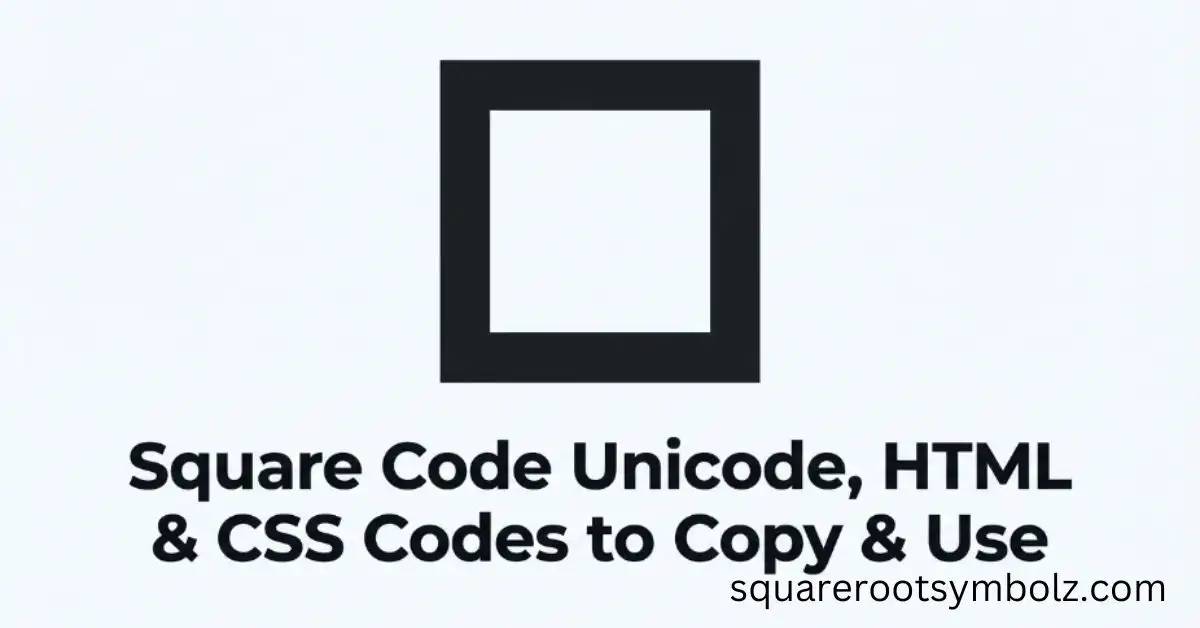
If you need a square code, the easiest starting point is ⬛, the Black Large Square. Its Unicode code point is U+2B1B, while its decimal character reference is ⬛ and its hexadecimal reference is ⬛. These formats are useful in HTML, CSS, documents, websites, and digital designs.
The frustrating part is that “square code” can mean different things online: a square symbol code, a QR-style square barcode, or even programming terminology. For symbol work, ⬛ is a Unicode character. Knowing that distinction prevents you from copying the wrong code into a website, document, or stylesheet.
Black Large Square Square Code Examples
For ⬛, the core character references are straightforward. Unicode identifies it as U+2B1B, its decimal HTML reference is ⬛, and its hexadecimal HTML reference is ⬛. CSS can represent the same character with the escape \2B1B, making it useful in web-development workflows.
| Format | Square code |
| Symbol | ⬛ |
| Unicode | U+2B1B |
| Decimal HTML | ⬛ |
| Hex HTML | ⬛ |
| CSS escape | \2B1B |
| Unicode block | Miscellaneous Symbols and Arrows |
| Unicode category | Other Symbol |
Unicode’s own geometric-shapes chart distinguishes ⬛ U+2B1B Black Large Square from ■ U+25A0 Black Square, so these characters should not automatically be treated as identical just because they look similar.
Square Code Usage Examples
In HTML, the decimal character reference can be placed directly inside an element, such as <span>⬛</span>, to render ⬛. The hexadecimal version, ⬛, represents the same Unicode character and can be convenient when working with hexadecimal Unicode notation.
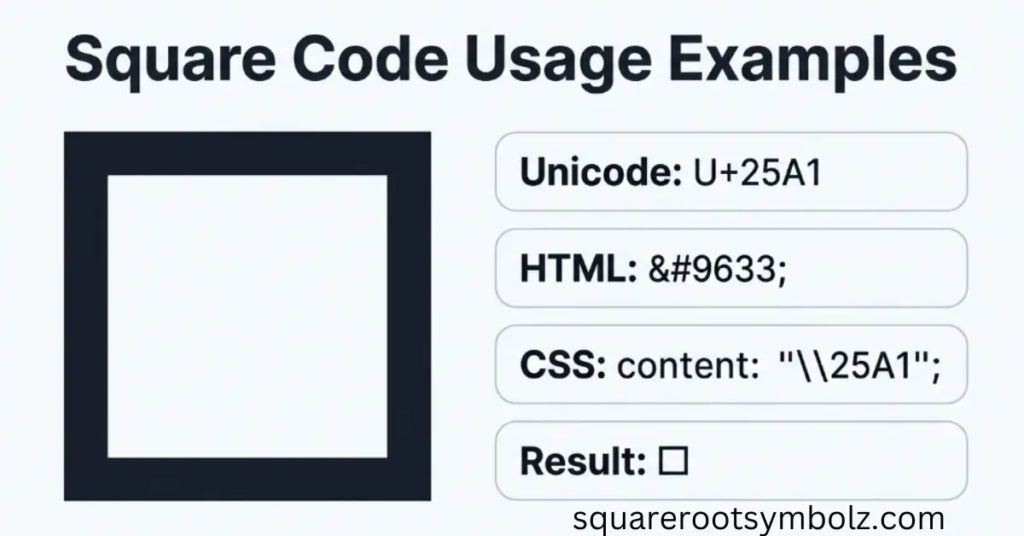
In CSS, a Unicode escape can be used with the content property. For example, content: “\2B1B”; can insert the Black Large Square through a pseudo-element. This approach is particularly useful when the symbol needs to be generated consistently through styling rather than manually inserted into HTML.
A square character can also be useful outside web development. People may use it in documents, spreadsheets, presentations, Google Docs, Microsoft Word, interface designs, lists, visual markers, and digital text. The best code depends on where you plan to insert the character and how that application handles Unicode.
What Is Square Code?
“Square code” does not identify one universal character or encoding standard. In symbol searches, it can refer to the Unicode and HTML/CSS representation of a square character such as ⬛. In other contexts, the same phrase may describe a visually square machine-readable code such as a QR Code or Data Matrix.
That distinction matters because a Unicode square is designed to represent a character, while a QR or Data Matrix code represents encoded data that a scanner can interpret. One belongs primarily to digital text and typography; the other belongs to automatic identification and data capture.
If your goal is to place a black square inside a webpage, document, or design, you normally want the Unicode character ⬛ rather than a QR code. For developers, the Unicode, HTML, and CSS representations provide several ways to reproduce the same visible character.
What Is Barcode and Square Code?
A barcode represents information in a machine-readable format. Traditional 1D barcodes use patterns of lines, while 2D barcodes use two-dimensional arrangements of cells or modules. QR Code, Data Matrix, and Aztec Code are examples of 2D formats that can appear as square patterns.
QR codes are especially familiar in the United States because phones can scan them for URLs, contact information, menus, payments, tickets, and other digital actions. Data Matrix codes are also important in industrial and product-identification environments, where compact machine-readable markings can carry structured information.
Square Code vs QR Code
| Feature | Square symbol code | QR Code |
| Example | ⬛ | A square matrix of modules |
| Main purpose | Display a character | Store machine-readable data |
| Standard | Unicode | QR Code specification |
| Read by | Text/software rendering | Camera/scanner |
| Typical use | Text, design, HTML, CSS | URLs, tickets, payments, information |
| Code point | U+2B1B for ⬛ | Not a single Unicode character |
The visual similarity can cause confusion, but the technologies are fundamentally different. A Unicode square is a character, whereas a QR Code is a data carrier. A search for “square code” can therefore lead to very different results depending on the searcher’s actual goal.
Quick Copy Reference
Black Large Square: ⬛
Unicode: U+2B1B
HTML decimal: ⬛
HTML hexadecimal: ⬛
CSS: \2B1B
If you simply need the character, copy ⬛ directly. If you’re developing a webpage, use the HTML or CSS representation that best fits your implementation.
Conclusion
The square code you need depends on what you are trying to create. For a square character such as ⬛, Unicode, HTML, and CSS codes provide reliable ways to display it across websites, documents, and digital projects. The Black Large Square uses U+2B1B, while its HTML and CSS representations make it especially convenient for web development.
It is also important not to confuse a Unicode square with a QR Code or Data Matrix code. A Unicode symbol represents a character, while a 2D barcode stores information that scanners can read. Once you understand this difference, choosing the right square code becomes much easier whether you’re copying a symbol, writing HTML, styling a webpage, or working with machine-readable codes.
FAQ Section
What is the Unicode code for the square symbol ⬛?
The Black Large Square character ⬛ has the Unicode code point U+2B1B. It belongs to the Miscellaneous Symbols and Arrows block.
What is the HTML code for ⬛?
You can use ⬛ for the decimal HTML character reference or ⬛ for the hexadecimal form.
What is the CSS code for the Black Large Square?
The CSS Unicode escape is \2B1B. It can be used with CSS properties such as content when generating the character through a pseudo-element.
Is ⬛ the same as ■?
No. ⬛ is U+2B1B Black Large Square, while ■ is U+25A0 Black Square. Unicode treats them as separate characters.
Is a square code the same as a QR Code?
Not necessarily. A square symbol such as ⬛ is a Unicode character, while a QR Code is a machine-readable 2D code designed to store data.
Can I copy and paste the square code?
Yes. The easiest option is to copy ⬛ directly. For websites, you can alternatively use its Unicode, HTML, or CSS representation.

I’m the creator of SquareRootSymbolz.com, where I publish easy-to-understand guides on symbols, Unicode characters, Alt codes, keyboard shortcuts, and copy-and-paste text symbols. My goal is to provide accurate, well-researched, and user-friendly content that helps readers quickly find the information they need.