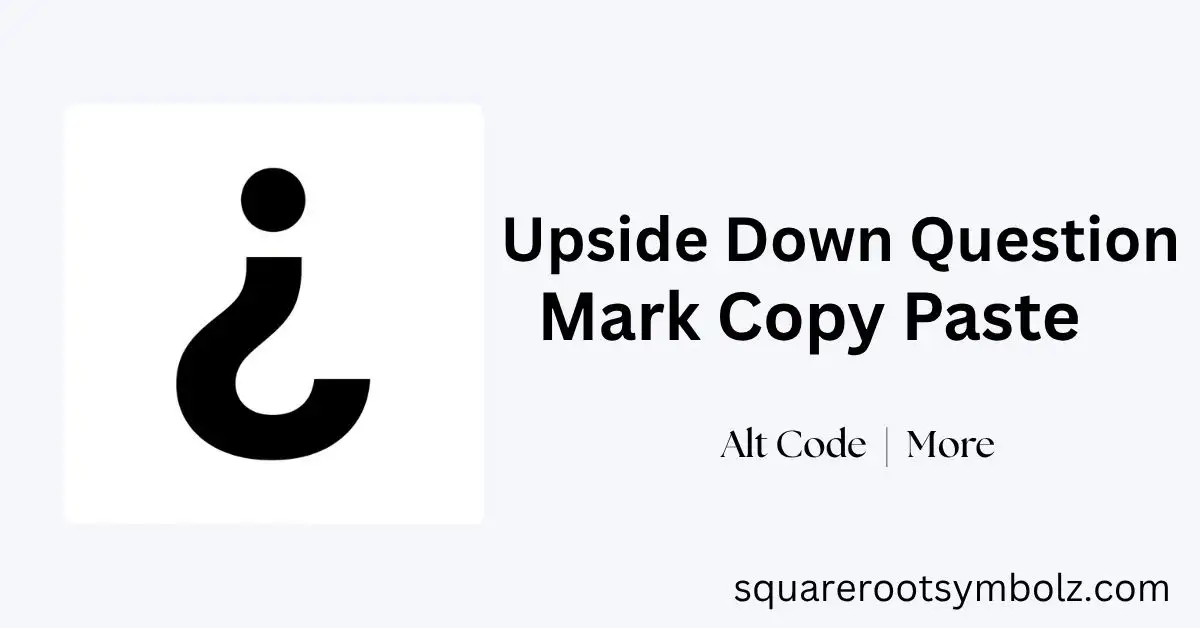
Upside down question mark copy paste is easiest when you simply copy this character: ¿. The symbol is called the inverted question mark or Spanish question mark, and it normally appears at the beginning of an interrogative sentence. In Spanish, it works together with the regular ? at the end.
If you have ever needed ¿ for a Spanish assignment, email, translation, social post, or document but could not find it on your keyboard, you are not alone. This guide gives you the character first, then explains its Unicode, Alt code, Windows shortcut, Mac shortcut, mobile methods, HTML code, CSS code, and real Spanish examples.
Upside Down Question Mark Copy Upside Down Question Mark Copy Paste
For a quick upside down question mark copy paste, use this character: ¿. Select it, copy it, and paste it wherever you need it. On Windows, Ctrl + C copies and Ctrl + V pastes; on Mac, use Command + C and Command + V.
You can paste ¿ into Microsoft Word, Google Docs, emails, websites, social media captions, messaging apps, notes, and many other text fields. If your goal is simply to get the symbol without memorizing a keyboard shortcut, direct copying is usually the fastest and least frustrating option.
Quick Upside Down Question Mark Table Upside Down Question Mark Copy Paste
The character ¿ has several useful digital representations. Its Unicode code point is U+00BF, its decimal character value is 191, and the commonly listed Windows Alt code is 168. HTML and CSS provide additional ways to represent the same punctuation mark.
| Format | Code / Shortcut | Result |
| Symbol | ¿ | ¿ |
| Unicode | U+00BF | ¿ |
| Alt code | Alt + 168 | ¿ |
| Windows Alt | Alt + 0191 | ¿ |
| HTML decimal | ¿ | ¿ |
| HTML hex | ¿ | ¿ |
| HTML entity | ¿ | ¿ |
| CSS | \00BF | ¿ |
| Mac | Option + Shift + ? | ¿ |
Having these alternatives matters because the best method changes depending on whether you are writing a sentence, editing a document, coding a website, or using a mobile keyboard.
What Is the Upside Down Question Mark? Upside Down Question Mark Copy Paste
The upside down question mark (¿) is a punctuation mark known as the inverted question mark. Spanish places it at the beginning of an interrogative sentence or clause, while the ordinary question mark appears at the end. For example: ¿Cómo estás?
Its purpose is practical rather than decorative. The opening mark tells the reader from the beginning that the sentence is a question. This can make longer Spanish sentences easier to read because the reader does not have to wait until the final character to understand the sentence’s grammatical direction.
Why Is It Used in Spanish? Upside Down Question Mark Copy Paste
Spanish uses opening and closing punctuation for questions and exclamations. The ¿ appears before the interrogative portion, while ? closes it. Spanish also uses the inverted exclamation mark ¡ at the beginning of exclamatory sentences.
For example, ¿Dónde está el baño? means “Where is the bathroom?” The opening mark immediately signals the question. The same principle works when a question appears inside a longer sentence, such as Si tienes tiempo, ¿quieres venir? This makes punctuation carry useful grammatical information.
How to Type the Upside-Down Question Mark Upside Down Question Mark Copy Paste
There are several ways to type ¿, and the right choice depends on your device. Windows users can use an Alt code or Character Map, Mac users can use a keyboard shortcut, and mobile users can often long-press the regular question-mark key.
On Windows, Alt + 168 or Alt + 0191 are commonly listed methods when using a numeric keypad. In Microsoft Word, another convenient approach is typing 00BF and pressing Alt + X. If a shortcut does not work in your application, copy and paste ¿ instead.
On Windows
Windows provides several ways to insert the inverted question mark. With a numeric keypad, hold Alt and type 168, then release Alt. Alt + 0191 is another commonly used form. You can also use Character Map when you prefer selecting the character visually.
On Chromebook
Chromebook users can use Unicode input where supported: press Ctrl + Shift + U, enter 00BF, and press Enter. Another option is configuring an international or Spanish keyboard layout. If either method feels inconvenient, simply copy ¿ and paste it.
How to Copy and Paste the ¿ Symbol on Mac Upside Down Question Mark Copy Paste
On a Mac, the commonly listed shortcut for ¿ is Option + Shift + ?. Press those keys together and the inverted question mark should appear in applications that support the shortcut. You can then continue typing the Spanish sentence normally.
If you cannot remember the shortcut, macOS also provides Character Viewer. Press Control + Command + Space, search for the inverted question mark, and select it. This approach is useful when you need many different special characters rather than only ¿.
How to Type or Copy the Symbol on iPhone Upside Down Question Mark Copy Paste
On an iPhone, open the keyboard and switch to the symbols view. Press and hold the regular ? key until alternate punctuation appears, then slide to ¿. This long-press method is also commonly available on mobile keyboards for Spanish punctuation.
If the character does not appear on your particular keyboard, copy ¿ from this page and paste it into your message, document, caption, or note. For frequent Spanish writing, adding a Spanish keyboard can make punctuation and accented letters much easier to access.
Using the Upside Down Question Mark on Android Upside Down Question Mark Copy Paste
Android keyboards such as Gboard and other common keyboard layouts can provide ¿ through a long press on the question-mark key. Open the symbols keyboard, hold ?, and select the inverted version when it appears.
The exact appearance can vary by keyboard app, language configuration, and device manufacturer. If you regularly write Spanish, adding a Spanish keyboard layout can make ¿, ¡, accented vowels, and other Spanish characters easier to access without repeatedly searching for them.
HTML Code for the Upside Down Question Mark Upside Down Question Mark Copy Paste
Web developers can insert ¿ using several HTML representations. The decimal reference is ¿, the hexadecimal form is ¿, and the named entity is ¿. All are useful when you need the character represented directly in HTML source.
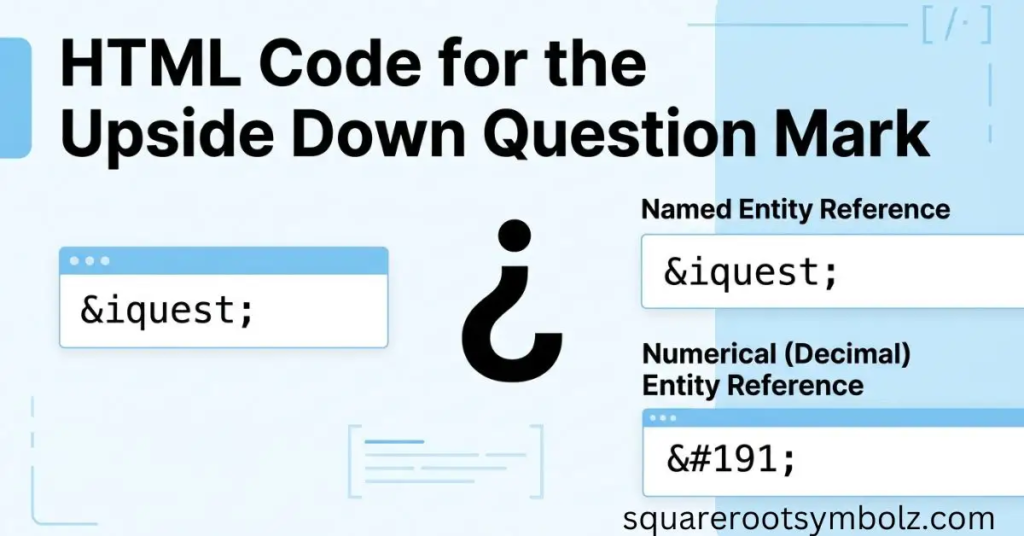
For example:
<p>¿Cómo estás?</p>
The browser displays:
¿Cómo estás?
You can also use the literal Unicode character directly:
<p>¿Cómo estás?</p>
For modern UTF-8 websites, direct Unicode text is often the simplest approach.
How to Add Inverted Question Mark in CSS Upside Down Question Mark Copy Paste
CSS can generate the inverted question mark through a Unicode escape. The commonly listed CSS representation is \00BF, which can be used with the content property on pseudo-elements such as ::before or ::after.
For example:
.question::before {
content: “\00BF”;
}
This technique is useful when the punctuation is being generated as part of a visual interface. For normal written Spanish content, however, putting ¿ directly into the HTML text is generally clearer and more semantic.
Chat Examples With Upside Down Question Mark ¿ — Upside Down Question Mark Copy Paste
The easiest way to understand the symbol is to see it in real Spanish sentences. The opening ¿ appears at the beginning of the question, while ? closes it. This pattern remains consistent even when the interrogative clause appears inside a longer sentence.
Here are practical examples:
- ¿Cómo estás? — How are you?
- ¿Qué hora es? — What time is it?
- ¿Dónde vives? — Where do you live?
- ¿Por qué estás aquí? — Why are you here?
- ¿Quieres café? — Do you want coffee?
- ¿Puedes ayudarme? — Can you help me?
- ¿Cuál es tu nombre? — What is your name?
- ¿Vamos al cine? — Are we going to the movies?
The opening mark is especially useful in longer sentences because it signals the question before the reader reaches the final punctuation.
Conclusion
Upside down question mark copy paste becomes effortless once you know that the character you need is ¿. For the fastest solution, copy ¿ directly. If you want a repeatable method, use Alt + 168 on Windows, Option + Shift + ? on Mac, or long-press ? on many mobile keyboards.
For technical work, remember U+00BF, ¿, ¿, and \00BF. And when writing Spanish, place ¿ at the beginning of the interrogative sentence and ? at the end—¿Cómo estás? That’s the simple rule that makes this unusual-looking character much easier to use.
FAQs
What is the upside down question mark called?
It is commonly called the inverted question mark, upside down question mark, or Spanish question mark. Its Unicode name is INVERTED QUESTION MARK and its code point is U+00BF.
How do I copy the upside down question mark?
Copy this character: ¿. Then use Ctrl + V on Windows or Command + V on Mac to paste it.
What is the Unicode for ¿?
The Unicode code point is U+00BF. The decimal value is 191.
What is the Alt code for the upside down question mark?
A commonly used Windows Alt code is Alt + 168 with the numeric keypad. Alt + 0191 is another commonly documented form.
How do I type ¿ on a Mac?
Press Option + Shift + ? on a U.S. Mac keyboard.
How do I type ¿ on Windows without a numeric keypad?
Use Windows Character Map, Microsoft Word’s symbol tools, Unicode input where supported, or simply copy ¿ and paste it. Character Map is particularly useful when a laptop does not have a dedicated numeric keypad.
How do I type ¿ on iPhone?
Open the symbol keyboard, press and hold ?, and select ¿ when it appears.
What is the HTML code for ¿?
Use ¿, ¿, or ¿.
What is the CSS code for ¿?
The common CSS Unicode escape is \00BF.
Can I use ¿ in English?
Yes, technically you can use the character in English text for creative or stylistic purposes, but it is not standard English punctuation. Its normal grammatical role belongs to Spanish and certain other languages.
Is ¿ the same as a normal question mark?
No. ¿ is the opening inverted question mark, while ? is the standard closing question mark. Spanish normally uses both around an interrogative sentence.
Why does Spanish use an upside down question mark?
It tells the reader at the beginning of the sentence that an interrogative clause is coming. This is especially helpful when the question has a long structure.
What is the difference between ¿ and ⸮?
¿ is the Spanish-style inverted question mark used to open questions. ⸮ is a different Unicode punctuation character known as the reversed question mark and is not the standard Spanish opening mark.

I’m the creator of SquareRootSymbolz.com, where I publish easy-to-understand guides on symbols, Unicode characters, Alt codes, keyboard shortcuts, and copy-and-paste text symbols. My goal is to provide accurate, well-researched, and user-friendly content that helps readers quickly find the information they need.