The section symbol (§) is widely used in legal documents, government publications, academic writing, and technical documentation to reference a specific section of a document. Whether you need to copy and paste the section symbol, learn its Alt code, find its Unicode value, or discover how to type it on different devices, this guide covers everything in one place.
What Is the Section Sign Symbol (§)?
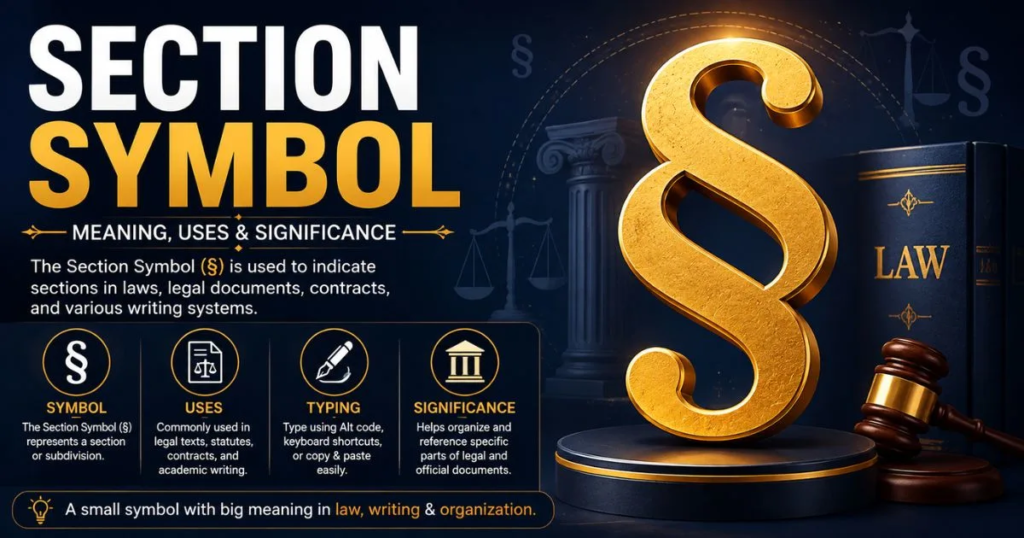
The section sign (§) is a typographic symbol used to indicate a numbered section in legal, academic, and official documents. Instead of writing “Section 5,” many writers simply use “§ 5.”
Meaning of the Section Symbol
The section sign represents a specific section within a document. It helps readers quickly locate laws, regulations, chapters, or clauses without writing the full word “Section.”
Examples:
- § 12
- § 5.2
- §§ 3–7 (multiple sections)
Why Is It Called the Section Sign?
The symbol is called the section sign because it serves as an abbreviation for the word “section.” It has been used for centuries in legal and scholarly publications to simplify references.
Different Names Around the World
Depending on the region and language, the symbol may be called:
- Section Sign
- Section Symbol
- Legal Section Mark
- Paragraph and Section Marker (in some references)
Copy and Paste the Section Sign Symbol
Need the symbol quickly? Simply copy it below.
Section Symbol Copy Button
§
Copy: §
HTML Entity
| Type | Code |
| HTML Entity | § |
| HTML Decimal | § |
| HTML Hex | § |
Unicode
| Property | Value |
| Unicode | U+00A7 |
Character Code
| Type | Value |
| Decimal | 167 |
| Hexadecimal | A7 |
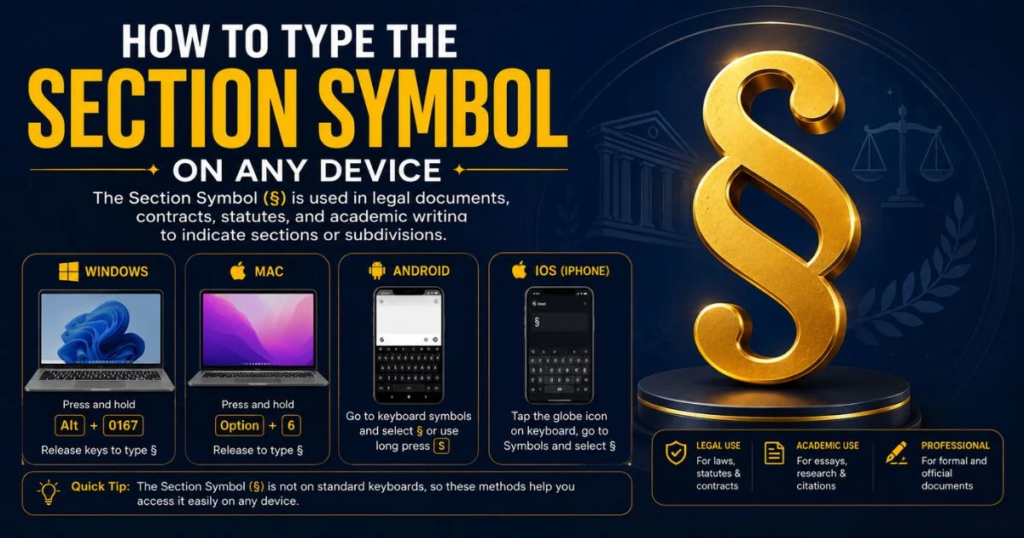
How to Type the Section Symbol on Any Device
Windows
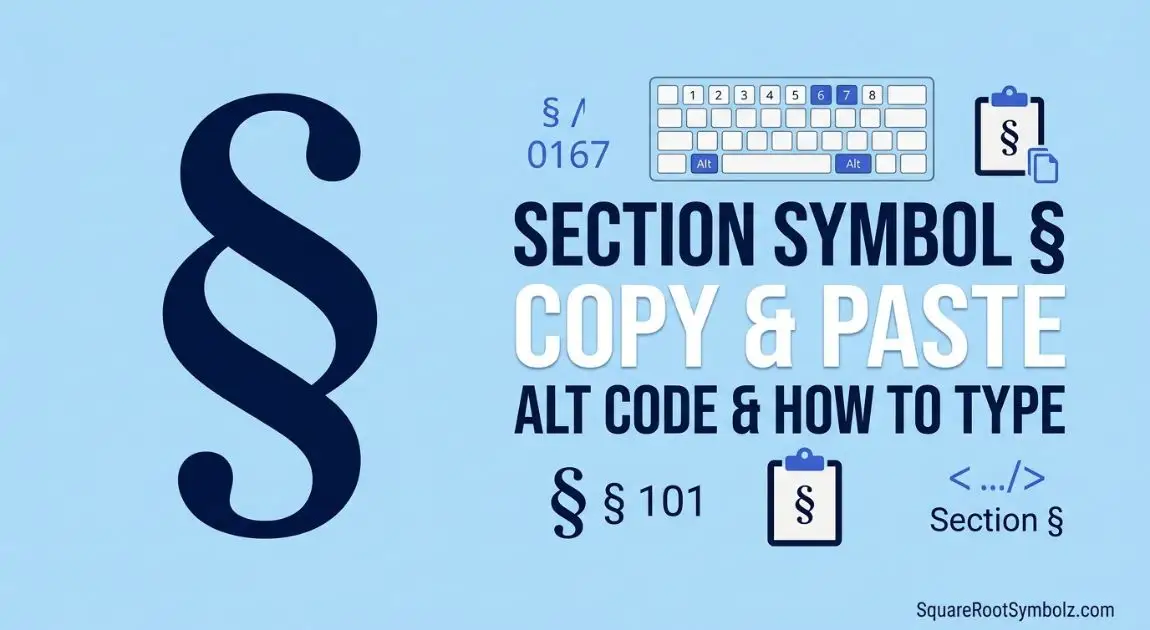
Press and hold Alt, then type 0167 on the numeric keypad.
Shortcut:
Alt + 0167
Mac
Press:
Option + 6
This instantly inserts the § symbol.
Chromebook
Chromebooks don’t have a dedicated shortcut. You can:
- Copy and paste the symbol
- Use the Emoji & Symbols menu (if available)
- Insert it using Unicode tools in supported apps
Android
- Long-press the ¶ or related symbol on some keyboards.
- If unavailable, simply copy and paste §.
iPhone & iPad
- Switch to the numbers keyboard.
- Long-press related punctuation if supported by your keyboard.
- Or copy and paste §.
Section Symbol Keyboard Shortcuts
| Application | Shortcut |
| Windows | Alt + 0167 |
| Mac | Option + 6 |
| Microsoft Word | Alt + 0167 |
| Google Docs | Insert Special Characters |
| Excel | Alt + 0167 |
| Outlook | Alt + 0167 |
Microsoft Word
Use Alt + 0167 or go to Insert → Symbol.
Google Docs
Navigate to:
Insert → Special Characters
Search for “Section.”
Excel
Use Alt + 0167 while Num Lock is enabled.
Outlook
The same Windows shortcut works:
Alt + 0167
How to Insert the Section Symbol in Different Applications
Microsoft Word
- Click Insert
- Select Symbol
- Choose More Symbols
- Select §
- Click Insert
Google Docs
Use Insert → Special Characters and search for “Section.”
Adobe Acrobat
Use the operating system shortcut or copy and paste the symbol into editable PDF fields.
HTML & Web Pages
Use one of these HTML codes:
§
§
§
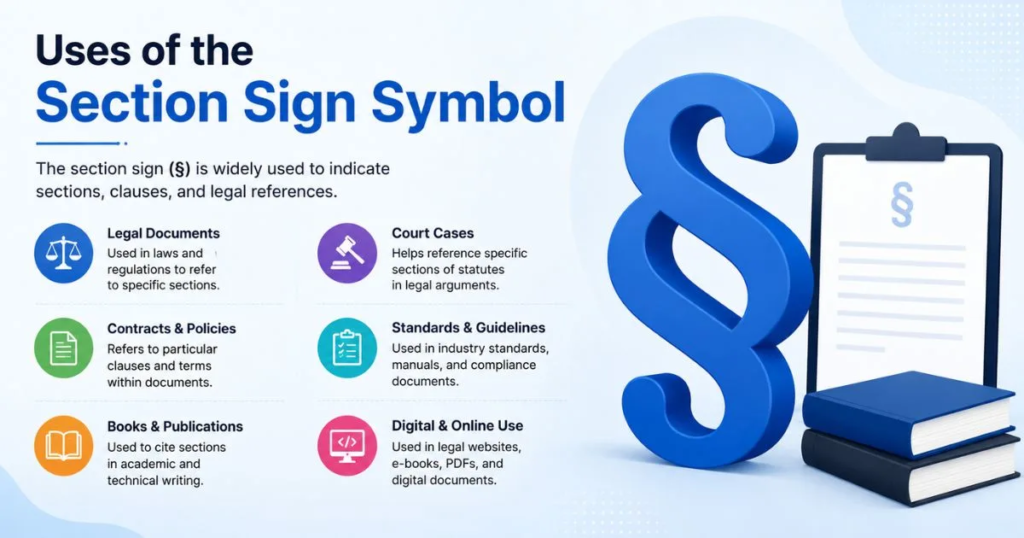
Uses of the Section Sign Symbol
The section sign appears in many professional and academic fields.
Legal Documents
Lawyers use the symbol to reference statutes, codes, and regulations.
Example:
§ 101 of the Civil Code
Contracts & Agreements
Contracts often reference specific clauses using the section symbol to improve readability.
Academic Writing
Researchers and students may cite sections of books, regulations, or legal texts using §.
Government Publications
Government agencies commonly use the symbol when referring to laws, regulations, and administrative codes.
Technical Documentation
Software manuals, engineering specifications, and standards sometimes organize information using numbered sections referenced with §.
Section Symbol Alt Codes, Unicode & HTML Codes
| Property | Value |
| Symbol | § |
| Name | Section Sign |
| Windows Alt Code | Alt + 0167 |
| Unicode | U+00A7 |
| HTML Entity | § |
| HTML Decimal | § |
| HTML Hex | § |
| Decimal Value | 167 |
Windows Alt Code
Alt + 0167
Unicode Value
U+00A7
HTML Entity
§
ASCII Information
The section sign belongs to the extended character set and has the decimal code 167.
History and Origin of the Section Symbol
Ancient Origins
The section sign originated in early manuscript traditions where scribes used special marks to organize lengthy texts.
Evolution in Legal Writing
Over time, legal professionals adopted the symbol as a standardized way to reference individual sections within laws and regulations.
Modern-Day Usage
Today, the section sign remains a standard symbol in legal systems, publishing, academia, and digital documentation around the world.
Related Symbols and Their Differences
| Symbol | Name | Primary Use |
| § | Section Sign | Reference sections |
| ¶ | Paragraph Symbol | Reference paragraphs |
| ° | Degree Symbol | Temperature and angles |
| © | Copyright Symbol | Intellectual property |
Paragraph Symbol (¶)
The paragraph symbol identifies paragraphs rather than sections.
Degree Symbol (°)
The degree symbol is used for temperatures, geographic coordinates, and angles, not document references.
Pilcrow vs Section Sign
A pilcrow (¶) marks paragraphs, while the section sign (§) identifies sections within a document.
Other Legal Symbols
Other commonly used legal symbols include:
- ¶ (Pilcrow)
- ™ (Trademark)
- ® (Registered Trademark)
- © (Copyright)
Conclusion
The section sign symbol (§) is an essential character for legal professionals, students, researchers, publishers, and anyone working with structured documents. Whether you need to copy and paste the section symbol, use its Alt code, insert it in Microsoft Word, or reference its Unicode and HTML entity, knowing the correct methods saves time and ensures accurate document formatting.
By bookmarking this guide, you’ll always have quick access to the § symbol, keyboard shortcuts, character codes, and practical usage tips whenever you need them.
FAQs
What does § mean?
The § symbol represents a section in a legal, academic, or official document.
How do I type the section symbol?
On Windows, press Alt + 0167. On Mac, press Option + 6.
What is the Alt code for §?
The Windows Alt code is Alt + 0167.
Can I use the section symbol in legal documents?
Yes. The section sign is widely accepted and commonly used in legal citations and official documents.
Is the section symbol different from the paragraph symbol?
Yes. The section sign (§) refers to document sections, while the paragraph symbol (¶) refers to paragraphs.

I’m the creator of SquareRootSymbolz.com, where I publish easy-to-understand guides on symbols, Unicode characters, Alt codes, keyboard shortcuts, and copy-and-paste text symbols. My goal is to provide accurate, well-researched, and user-friendly content that helps readers quickly find the information they need.