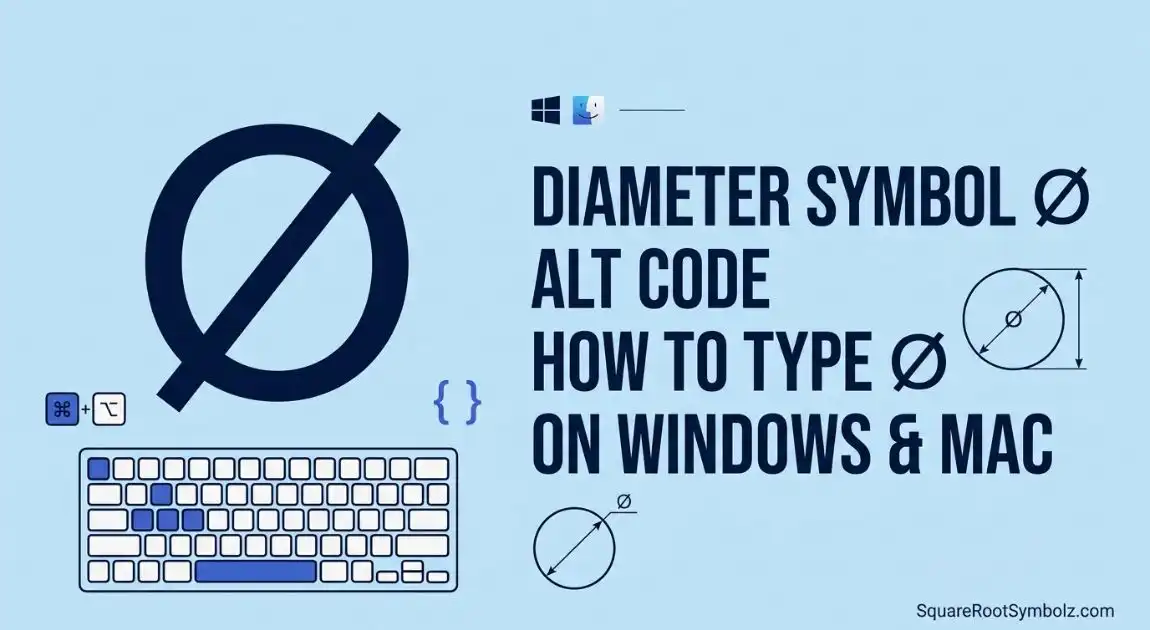
Discover the Diameter Symbol Alt Code (⌀), Unicode, HTML entity, and keyboard shortcuts. Learn how to type and copy the diameter symbol on Windows, Mac, and Word.
Need to type the diameter symbol (⌀) quickly? Whether you’re creating an engineering drawing, editing a CAD file, or writing a technical document, knowing the correct diameter symbol Alt code can save time.
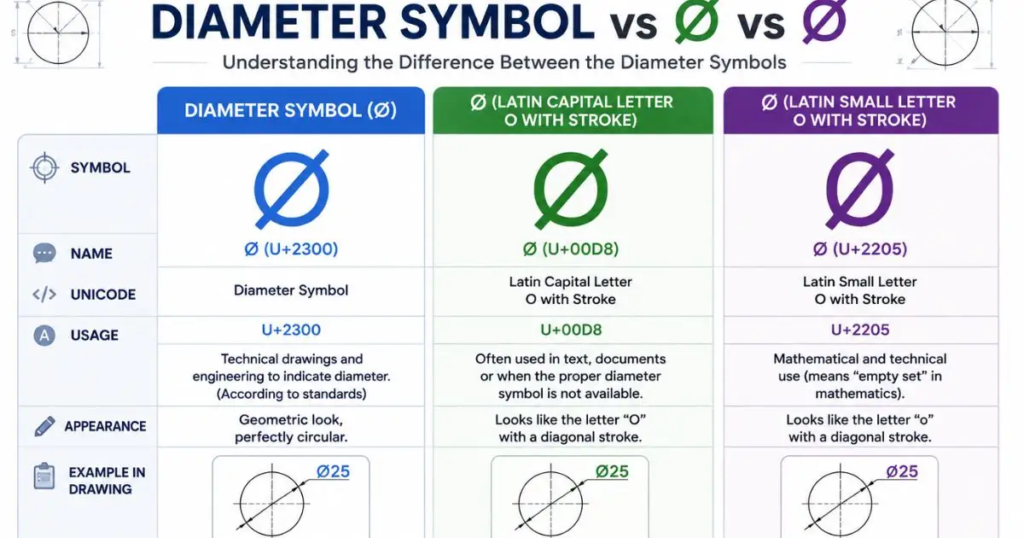
In this guide, you’ll learn the official Alt code, Unicode, HTML code, keyboard shortcuts for different devices, and the difference between ⌀, Ø, and ∅.
What Is the Diameter Symbol (⌀)?
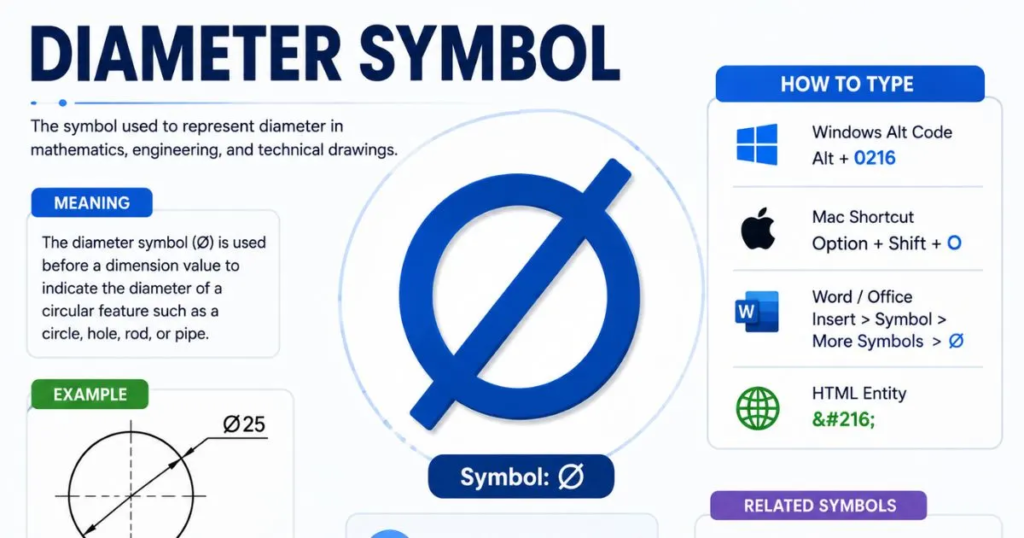
The ⌀ symbol represents the diameter of a circle or cylindrical object. It is commonly used in engineering drawings, mechanical design, manufacturing, and technical documentation to indicate that a measurement refers to a diameter rather than a radius or another dimension.
Example:
- ⌀25 mm
- ⌀100 mm
- ⌀12.5 in
Technical Information
| Property | Value |
| Symbol | ⌀ |
| Unicode Name | Diameter Sign |
| Unicode | U+2300 |
| Decimal Code | 8960 |
| HTML Entity | ⌀ |
| Hex HTML | ⌀ |
Diameter Symbol Alt Code
The official Diameter Sign uses the following Windows Alt code:
| Method | Code |
| Official Diameter Sign | Alt + 8960 |
| Unicode Method (Word) | 2300 + Alt + X |
How to Type Alt + 8960
- Turn on Num Lock.
- Click where you want the symbol.
- Hold the Alt key.
- Type 8960 on the numeric keypad.
- Release the Alt key.
The result:
⌀
Note: This method requires a numeric keypad and may not work in every application.
Copy and Paste the Diameter Symbol
If the keyboard shortcut doesn’t work, simply copy and paste the symbol below.
| Symbol | Copy |
| Diameter Sign | ⌀ |
This is the fastest option for browsers, emails, spreadsheets, and documents.
How to Type the Diameter Symbol on Different Devices
Windows
You can use any of these methods:
- Alt + 8960
- 2300 + Alt + X (Microsoft Word)
- Character Map
- Emoji & Symbol Picker
Mac
Mac users can:
- Open the Character Viewer.
- Search for Diameter Sign.
- Insert the symbol.
Microsoft Word
There are several methods:
- Insert → Symbol
- Type 2300, then press Alt + X
- Copy and paste
Excel
In Excel, you can:
- Insert → Symbol
- Copy and paste
- Use Unicode-supported fonts
Google Docs
- Go to Insert → Special Characters.
- Search for Diameter.
- Click the symbol.
AutoCAD
Many AutoCAD users insert the diameter symbol using built-in dimension tools or the appropriate text code depending on the workflow.
Diameter Symbol vs Ø vs ∅
These symbols look similar but have different meanings.
| Symbol | Meaning | Unicode |
| ⌀ | Diameter Sign | U+2300 |
| Ø | Latin Capital Letter O with Stroke | U+00D8 |
| ∅ | Empty Set | U+2205 |
Although Ø is sometimes used in engineering because of keyboard availability, the official Unicode character for diameter is ⌀.
Common Uses of the Diameter Symbol
The diameter sign appears in many technical fields.
- Engineering drawings
- Mechanical engineering
- CAD software
- Manufacturing blueprints
- Machine shop documentation
- Pipe and tube sizing
- Technical specifications
- Geometry and mathematics
Example:
| Measurement | Meaning |
| ⌀10 mm | Diameter of 10 millimeters |
| ⌀50 mm | Diameter of 50 millimeters |
| ⌀2 in | Diameter of 2 inches |
Diameter Symbol Character Codes
| Type | Value |
| Unicode | U+2300 |
| Decimal | 8960 |
| HTML Decimal | ⌀ |
| HTML Hex | ⌀ |
| Word Unicode | 2300 + Alt + X |
These codes are useful for web development, programming, and technical publishing.
Tips for Using the Diameter Symbol
- Place the symbol before the measurement.
- Use Unicode-compatible fonts.
- Keep documents encoded in UTF-8 when publishing online.
- Avoid replacing ⌀ with Ø unless required by software limitations.
Conclusion
The diameter symbol Alt code makes it easy to insert the official ⌀ Diameter Sign into documents, drawings, and technical files. While many people use Ø as an alternative, the correct Unicode character for engineering and drafting is ⌀ (U+2300). Whether you use Alt + 8960, 2300 + Alt + X, or simply copy and paste the symbol, understanding the correct method ensures your technical documents remain accurate and professional.
FAQs
What is the diameter symbol Alt code?
The official Diameter Sign Alt code is Alt + 8960 on Windows.
What is the Unicode for the diameter symbol?
The Unicode value is U+2300.
Can I copy and paste the diameter symbol?
Yes. Simply copy ⌀ and paste it wherever needed.
Is Ø the same as the diameter symbol?
No. Ø is a Scandinavian letter, while ⌀ is the official Unicode Diameter Sign, although the former is often used as a substitute.
How do I type the diameter symbol in Microsoft Word?
Type 2300 and press Alt + X, or insert it from the Symbol menu.
Why doesn’t Alt + 8960 work?
It usually requires a numeric keypad, Num Lock to be enabled, and application support for Unicode input.
Can I use the diameter symbol in HTML?
Yes. Use ⌀ (decimal) or ⌀ (hexadecimal).

I’m the creator of SquareRootSymbolz.com, where I publish easy-to-understand guides on symbols, Unicode characters, Alt codes, keyboard shortcuts, and copy-and-paste text symbols. My goal is to provide accurate, well-researched, and user-friendly content that helps readers quickly find the information they need.