
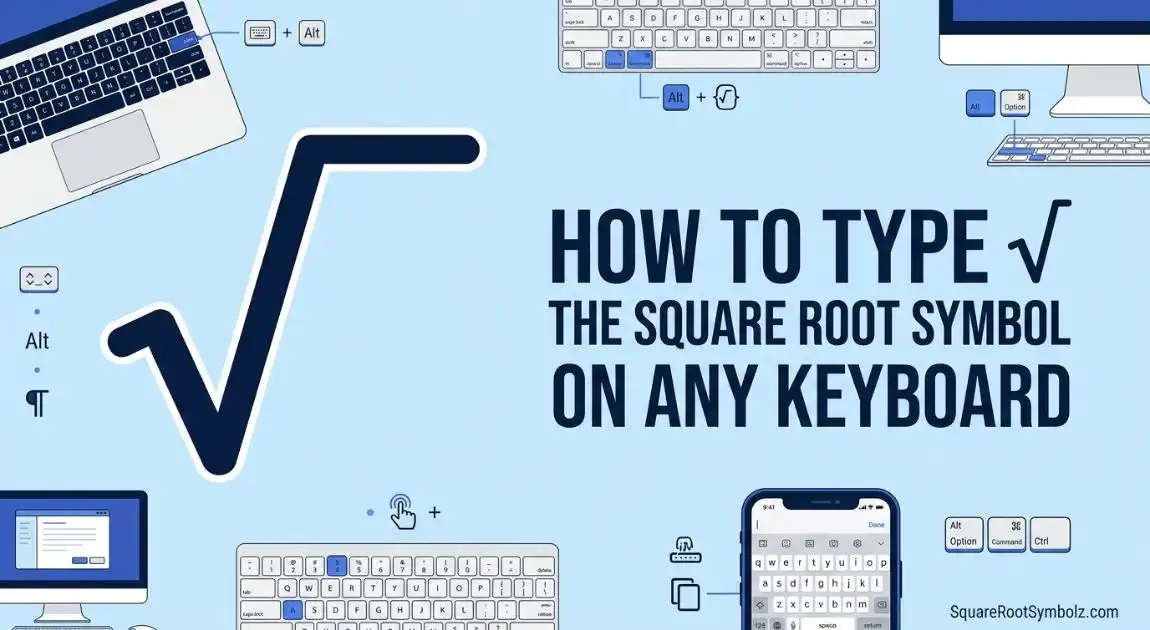
Learn how to type the square root symbol on keyboard using Windows, Mac, Chromebook, Alt codes, Unicode, and copy paste methods fast.
The square root symbol (√) is one of the most commonly used mathematical symbols in school, engineering, science, finance, and everyday calculations. Whether you’re using a Windows PC, Mac, Chromebook, smartphone, or applications like Microsoft Word and Google Docs, there are several easy ways to type or insert this symbol.
This guide explains every reliable method, including keyboard shortcuts, copy and paste, Alt codes, Unicode, HTML codes, and troubleshooting tips.
What Is the Square Root Symbol?
The square root symbol (√), also called the radical sign, represents the mathematical operation of finding a number that, when multiplied by itself, equals another number.
For example:
- √9 = 3
- √16 = 4
- √64 = 8
Quick Answer
If you simply need the symbol, copy it here:
√
Common Uses
- Mathematics
- Algebra
- Geometry
- Engineering
- Scientific calculations
- Microsoft Office documents
- Coding and web development
Quick Ways to Type the Square Root Symbol
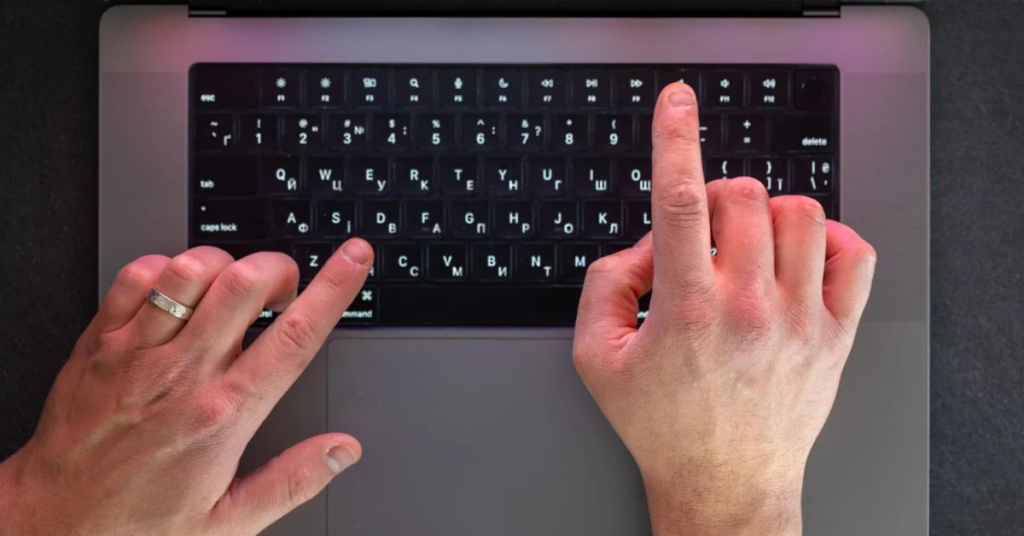
| Device | Method |
| Windows | Alt Code, Character Map, Word Equation |
| Mac | Keyboard Shortcut, Character Viewer |
| Chromebook | Emoji & Symbols or Copy & Paste |
| Android | Symbols keyboard or Copy & Paste |
| iPhone/iPad | Symbols keyboard or Copy & Paste |
| Any Device | Copy and Paste (√) |
If you’re in a hurry, the fastest option is to copy and paste the square root symbol: √.
How to Type the Square Root Symbol on Windows
Alt Code Method
If your keyboard has a numeric keypad:
- Turn on Num Lock.
- Hold the Alt key.
- Type 251 on the numeric keypad.
- Release the Alt key.
Result:
√
Character Map
- Search for Character Map in Windows.
- Open the application.
- Search for the square root symbol.
- Select it.
- Click Copy.
- Paste it wherever you need.
Touch Keyboard
Windows includes a touch keyboard with many symbols.
- Open the touch keyboard.
- Tap the symbols section.
- Locate the √ symbol.
Emoji Panel
Press:
Windows + . (period)
Browse the symbols section and insert √ if available in your Windows version.
Microsoft Word Shortcut
In Microsoft Word:
- Type 221A
- Press Alt + X
Word converts 221A into:
√
You can also use the Equation Editor by typing \sqrt inside an equation.
How to Type the Square Root Symbol on Mac
Keyboard Shortcut
Many Mac keyboards don’t have a direct shortcut for √, so the easiest option is the Character Viewer.
Emoji & Symbols
- Press Control + Command + Space.
- Open the Symbols Viewer.
- Search for Square Root.
- Double-click the symbol.
Character Viewer
The Character Viewer contains thousands of Unicode symbols, including √.
Microsoft Word for Mac
In Word:
- Open Insert > Advanced Symbol
- Search for Square Root
- Click Insert
How to Insert the Square Root Symbol in Popular Apps
Microsoft Word
- Insert → Symbol
- Equation Editor
- Alt + X (221A)
Google Docs
- Insert → Special Characters
- Search for Square Root
- Click to insert
Excel
Use:
- Symbol menu
- Copy & Paste
- Alt Code
PowerPoint
Insert the symbol using:
- Symbol menu
- Character Map
- Copy and Paste
OneNote
Paste the symbol or insert it from the Symbol menu.
Outlook
Compose your email and insert the square root symbol using the Symbol option or by copying and pasting it.
How to Type the Square Root Symbol Online and in Code
HTML
√
or
√
CSS
Use the Unicode value:
content: “\221A”;
Unicode
| Property | Value |
| Unicode | U+221A |
| Decimal | 8730 |
| Hex | 221A |
LaTeX
\sqrt{x}
Markdown
Markdown doesn’t have a built-in square root syntax, but you can simply use:
√
or include LaTeX if the platform supports mathematical notation.
Square Root Symbol Copy and Paste
Need the symbol instantly?
Ready to Copy
√
Reference Table
| Item | Value |
| Symbol | √ |
| Unicode | U+221A |
| Decimal | 8730 |
| HTML Entity | √ |
| HTML Numeric | √ |
| Alt Code | Alt + 251 |
| UTF-8 | E2 88 9A |
Bookmark this section whenever you need to copy the symbol quickly.
Why the Square Root Shortcut May Not Work
If the symbol doesn’t appear, check these common issues:
- Num Lock is turned off.
- Your laptop doesn’t have a dedicated numeric keypad.
- You’re using the wrong Alt code.
- The selected font doesn’t support the symbol.
- Your browser or application has limited Unicode support.
- Your keyboard uses a different regional layout.
If one method fails, try Character Map, the Symbol menu, or simply copy and paste the symbol.
Conclusion
Typing the square root symbol (√) is easy once you know the right method for your device. Windows users can rely on Alt codes, Character Map, or Microsoft Word shortcuts, while Mac users can access the symbol through the Character Viewer. Google Docs, Excel, PowerPoint, and other applications also include built-in tools for inserting mathematical symbols.
If you only need the symbol quickly, simply copy and paste: √. For developers and advanced users, Unicode, HTML, CSS, and LaTeX provide reliable ways to display the square root symbol across websites, documents, and applications.
FAQs
How do I type √ without a number pad?
Use Character Map, the Symbol menu, or simply copy and paste the symbol.
What is the Alt code?
The Windows Alt code is Alt + 251 on a numeric keypad.
Can I copy and paste the square root symbol?
Yes. Copy this symbol: √.
How do I insert √ in Google Docs?
Go to Insert → Special Characters, search for “Square Root,” and click the symbol.
Does it work on Chromebook?
Yes. You can use the symbols picker if available or copy and paste the symbol.
How do I type √ on my phone?
Open your device’s symbols keyboard or copy and paste √ into your document or message.
What’s the Unicode for √?
The Unicode value is U+221A.
Related Math Symbols
| Symbol | Name | Common Use |
| √ | Square Root | Find the square root |
| ∛ | Cube Root | Find the cube root |
| ± | Plus Minus | Indicate two possible values |
| × | Multiplication | Multiply numbers |
| ÷ | Division | Divide numbers |
| ∞ | Infinity | Represent an unlimited value |
| π | Pi | Mathematical constant |
| ≠ | Not Equal | Compare unequal values |
| ≤ | Less Than or Equal To | Mathematical comparison |
| ≥ | Greater Than or Equal To | Mathematical comparison |
You may also find guides on cube root symbols, infinity symbols, pi symbols, and plus-minus symbols useful if you frequently work with mathematical notation.

I’m the creator of SquareRootSymbolz.com, where I publish easy-to-understand guides on symbols, Unicode characters, Alt codes, keyboard shortcuts, and copy-and-paste text symbols. My goal is to provide accurate, well-researched, and user-friendly content that helps readers quickly find the information they need.

One Comment