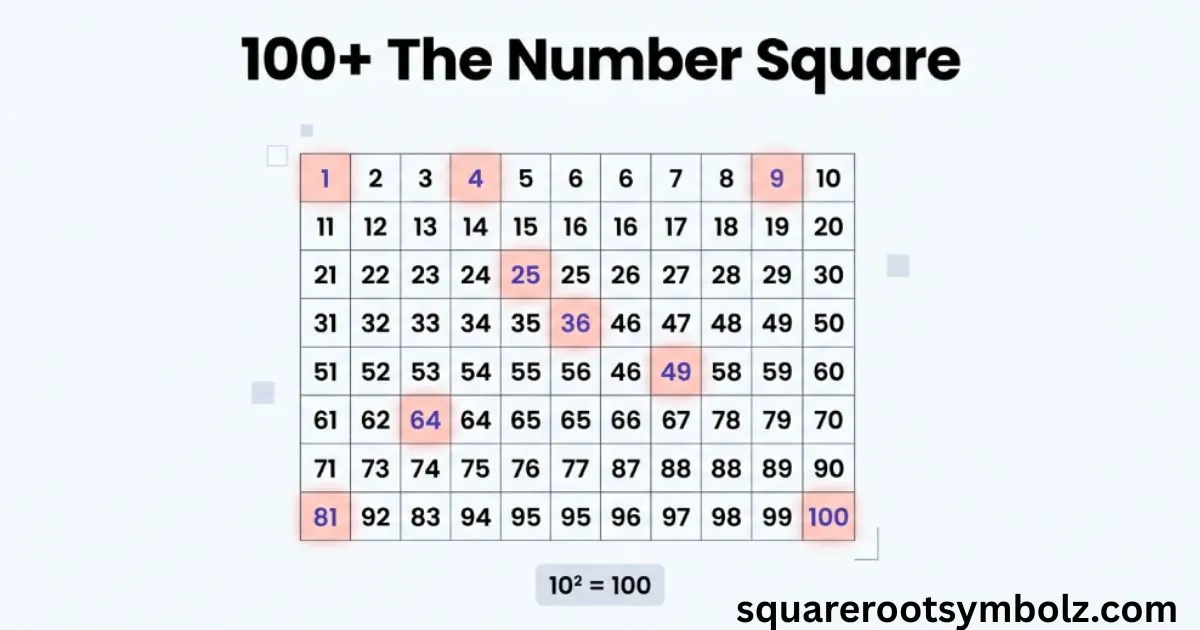
The number square is a visual grid of numbers, most commonly a 10 × 10 chart containing 1 through 100. In U.S. classrooms, you are more likely to hear 100 chart, hundred chart, or number grid. It helps learners see counting, place value, arithmetic, multiples, and number patterns instead of memorizing each relationship separately.
If numbers on a worksheet have ever felt like disconnected facts, a number square can make them easier to see. A child can move across the grid to count by ones, move between rows to work with tens, or highlight multiples to discover patterns. The simple layout turns counting, addition, subtraction, multiplication, fractions, decimals, and percentages into something visible and easier to reason about.
What is a number square?
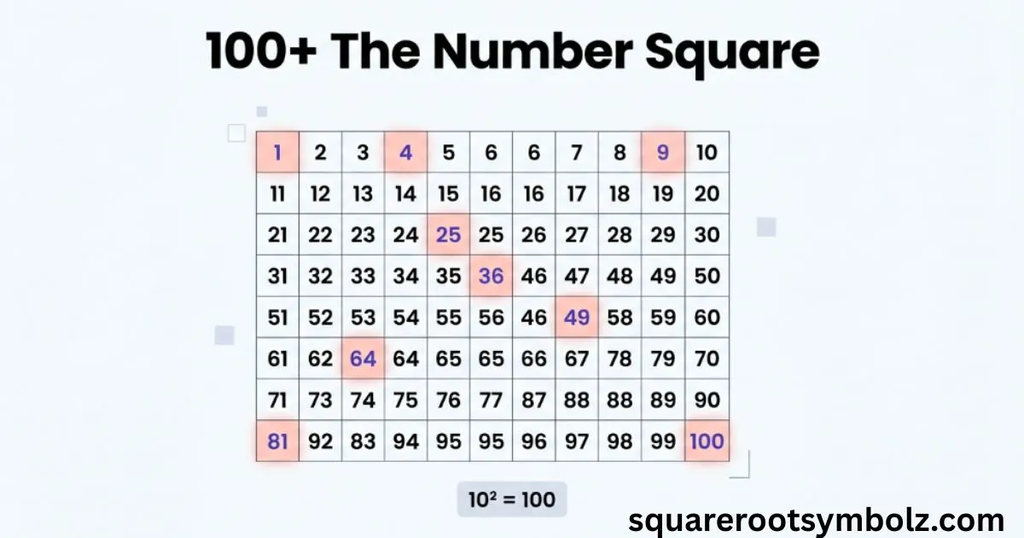
A number square is a grid containing numbers in a predictable sequence. The most familiar version has 100 spaces arranged in 10 rows and 10 columns, with the numbers 1 through 100. Smaller grids, such as 1–20, can also support early counting and number recognition.
In the United States, 100 chart or hundred chart is often a more natural classroom term. On a standard 1–100 chart, moving one space right increases the value by 1, while moving down one row increases it by 10. This makes number relationships easier to visualize.
A number square is not the same as a square number. A number square is a visual grid; a square number is produced when an integer is multiplied by itself, such as 4 × 4 = 16. Keeping these two terms separate prevents a surprisingly common vocabulary mix-up.
Why are number squares useful?
The biggest strength of a number square is that it shows relationships spatially. A learner can see which number comes before or after another, identify tens and ones, compare nearby values, and recognize repeated patterns. That visual structure can make arithmetic feel less like memorization and more like exploration.
The same grid can support many mathematical ideas. Teachers can use it for counting, place value, addition, subtraction, multiplication tables, fractions, decimals, percentages, and prime-number activities. Because the format stays familiar, learners can concentrate on the new mathematical idea instead of learning a new tool each time.
For example, finding 47 on a 100 chart immediately places 46 and 48 beside it. The numbers 37 and 57 appear directly above and below it. A learner can therefore see one less, one more, ten less, and ten more without drawing a separate number line.
How to use number squares in the classroom
A number square works best when students actively investigate it. Instead of simply giving a completed chart, ask learners to predict where a number belongs, identify a pattern, or explain how they know an answer. This turns the grid into a reasoning tool rather than just a reference sheet.
A teacher might cover several numbers and ask students to fill them in, highlight multiples of 2 or 5, or start at one number and move a certain number of spaces. These activities build connections among number sequence, place value, multiples, arithmetic, and mathematical reasoning.
1. Number squares for place value
A 100 chart can make place value easier to visualize. Moving one position horizontally changes a number by one, while moving down one row changes it by ten. Missing-number activities encourage students to use these relationships rather than simply guess, strengthening their understanding of tens and ones.
For example, if 46 is visible and the cell directly below it is blank, the missing number is 56. The learner does not need to count from 46 to 56 one number at a time; the grid itself shows that moving down one row means adding ten.
2. Number squares for addition and subtraction
Number squares provide a visual way to model addition and subtraction. Starting at 32 and moving seven spaces to the right represents 32 + 7. Starting at 68 and moving two rows upward represents 68 − 20. The physical movement mirrors the arithmetic operation.
As learners become more confident, they can combine tens and ones. For 65 + 32, they can move three rows down to add 30 and then two spaces right to add 2. This connects the grid to partitioning, mental calculation, and place-value reasoning.
3. Number squares for times tables
Highlighting multiples turns a number square into a visual multiplication resource. Marking every second number reveals the multiples of 2, while marking every fifth or tenth number reveals the patterns created by the 5 and 10 times tables.
This approach is especially useful because students can see multiplication facts as connected sequences rather than isolated answers. For example, highlighting 3, 6, 9, 12, and 15 reveals the repeated structure of the 3 times table and helps learners predict later multiples.
4. Number squares for fractions
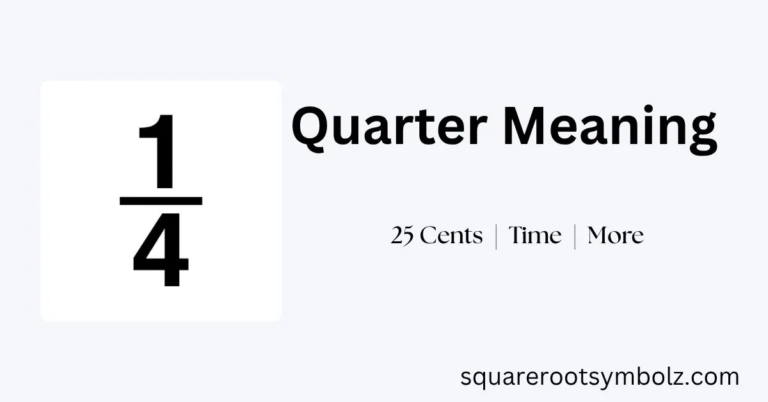
A blank 10 × 10 grid contains 100 equal spaces, so it can represent fractions visually. If 25 cells are shaded, the shaded portion is 25/100, which simplifies to 1/4. This gives learners a concrete way to connect a fraction with parts of one whole.
The same model can help connect fractions to decimals and percentages. For instance, 50 shaded cells represent 50/100, 0.50, and 50%. Seeing the same amount represented in several forms can make equivalent values easier to understand.
When do children use number squares in school?
Number squares can be useful across elementary mathematics rather than belonging to one specific grade. Younger learners may work with a smaller 1–20 grid for counting, while students working with a 1–100 chart can explore place value, arithmetic, multiplication, fractions, decimals, percentages, and prime numbers.
Educational resources describe number squares being used across several stages of primary education. The exact timing depends on the curriculum and learner. For U.S. readers, the equivalent classroom resource is commonly called a 100 chart, making that term valuable when searching for printable resources.
Number squares worked examples
Imagine a 100 chart with several cells covered. If 14 is visible and the cell immediately above it is blank, the missing number is 4 because moving upward one row subtracts ten. If the blank is below 14, the answer is 24. The grid provides the reasoning visually.
Another example is subtraction. Start at 78 and subtract 43. Move four rows upward to subtract 40, reaching 38. Then move three spaces left to subtract 3. You arrive at 35, showing how tens and ones can be separated during calculation.
A 100-cell blank grid can also represent 79%. Shade 79 cells, and you have 79/100, 0.79, and 79%. The value stays the same even though its representation changes. This is one reason the number square can connect arithmetic with fractions, decimals, and percentages.
Number squares practice questions
Try these questions before checking your answers. The goal is not just to get the result but to explain the pattern that makes the result correct.
| Question | Answer |
| What number comes immediately after 39? | 40 |
| What number is 10 greater than 52? | 62 |
| What number is 10 less than 87? | 77 |
| What is the third multiple of 4? | 12 |
| What percentage is 25 shaded cells out of 100? | 25% |
| What decimal represents 67 shaded cells out of 100? | 0.67 |
| What fraction represents 11 shaded cells out of 100? | 11/100 |
For a stronger challenge, remove several values from a number square and give clues instead. For example, if a blank cell is directly below 42, the learner should identify 52. This encourages number reasoning, spatial thinking, and place-value understanding rather than simple recall.
When are children taught to use number squares?
Number squares are introduced when learners can benefit from seeing numerical relationships in an organized grid. They may first be used for counting and number recognition, then later for multiplication patterns, addition, subtraction, fractions, decimals, and percentages as mathematical understanding develops.
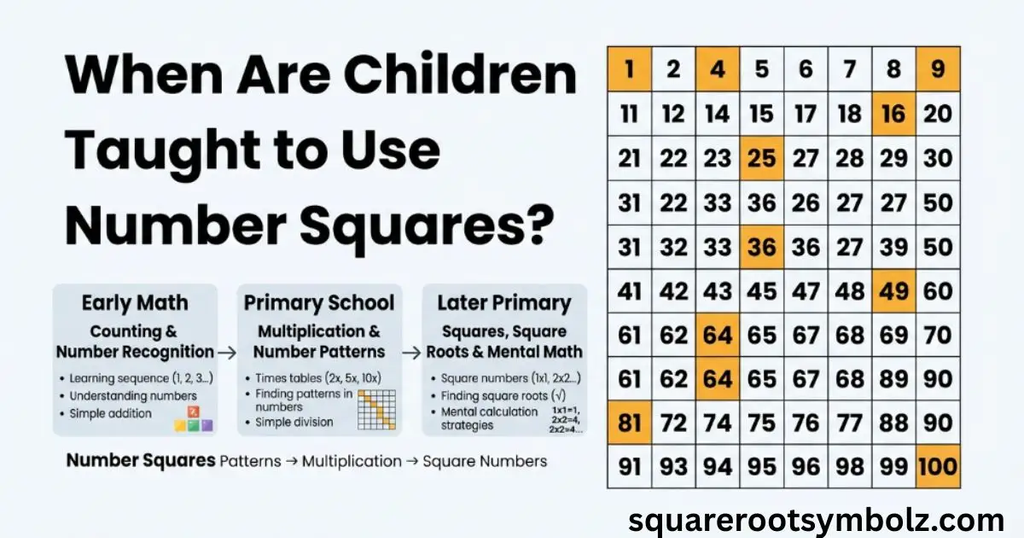
A useful principle is to match the grid to the learning goal. A smaller chart can support early counting, while a 1–100 chart provides more room for patterns and arithmetic relationships. Teachers can return to the same visual model as new mathematical ideas are introduced.
Number squares can be used for percentages and decimal numbers
A 10 × 10 grid is naturally suited to percentages because it contains exactly 100 cells. Shading 30 cells represents 30%, while 25 cells represent 25%. The learner can then connect those shaded parts with equivalent fractions and decimals.
For example, 25 shaded cells represent 25/100, 0.25, and 25%. This creates a visual bridge between three forms of the same quantity. It can be especially helpful when decimal place value or percentage concepts still feel abstract.
How does Learning Street help children with number squares?
The broader educational lesson is that a number square becomes more valuable when learners interact with it. Asking children to predict, explain, compare, and test patterns helps them develop mathematical reasoning instead of treating the chart as a collection of answers.
A completed grid is useful as a reference, but a partially blank grid can create a much richer learning experience. Students have to use counting, place value, multiples, arithmetic, and number patterns to reconstruct what is missing. That small change turns a familiar resource into an active problem-solving tool.
A number square vs. a square number
The two phrases sound similar but describe different ideas. A number square is a grid used to organize numbers and reveal patterns. A square number is the result of multiplying an integer by itself, such as 25 = 5 × 5.
Conclusion
The number square is a simple visual tool with surprisingly broad uses. The familiar 1–100 version, called a 100 chart or hundred chart in many U.S. classrooms, can help learners understand counting, place value, addition, subtraction, multiplication, fractions, decimals, percentages, and number patterns.
Its real value is not simply displaying numbers. It allows students to see relationships. Moving right shows +1, moving down shows +10, and highlighting multiples reveals patterns that are difficult to notice when numbers are presented only as a list.
And remember the terminology:
Number square = a numbered grid.
Square number = a number produced by multiplying an integer by itself.
That distinction is small, but it removes a lot of confusion for beginners.
FAQ Section
What is a number square?
A number square is a grid containing numbers in a sequence, most commonly 1 through 100. It helps learners visualize counting, arithmetic, place value, multiples, and number patterns.
What is a number square called in the USA?
In the U.S., a number square is commonly called a 100 chart, hundred chart, or number grid.
Is a number square the same as a 100 chart?
Usually, yes. A 100 chart is the most common type of number square, consisting of a 10 × 10 grid containing numbers from 1 to 100.
What is the difference between a number square and a square number?
A number square is a grid of numbers. A square number is a number multiplied by itself, such as 16 = 4 × 4.
How does a number square help with addition?
On a standard 1–100 chart, moving one space right adds 1, while moving one row down adds 10. Students can use these movements to model addition.
How does a number square help with subtraction?
Moving left subtracts one at a time, while moving upward subtracts ten at a time. This helps learners visualize subtraction using tens and ones.
Can you use a number square for multiplication?
Yes. Highlighting multiples of 2, 3, 5, 10, or another number can reveal times-table patterns across the grid.
Can a number square show fractions?
Yes. A blank 10 × 10 grid contains 100 equal cells, so shading 25 cells can represent 25/100 or 1/4.
Can a number square show decimals?
Yes. A 100-cell grid can represent hundredths. For example, 47 shaded cells can represent 0.47.
Can a number square show percentages?
Yes. Because the grid contains 100 cells, the number of shaded cells directly represents the percentage. Thirty shaded cells represent 30%.

I’m the creator of SquareRootSymbolz.com, where I publish easy-to-understand guides on symbols, Unicode characters, Alt codes, keyboard shortcuts, and copy-and-paste text symbols. My goal is to provide accurate, well-researched, and user-friendly content that helps readers quickly find the information they need.