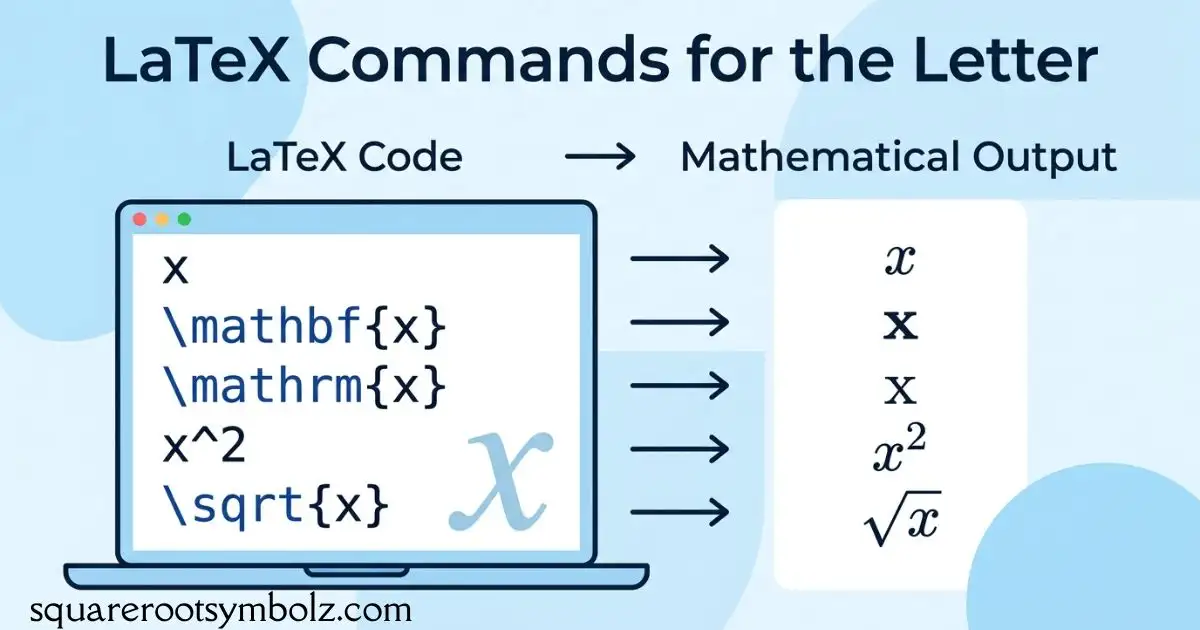
LaTeX X commands depend on the symbol you actually need. Use x for an ordinary variable, \times for the multiplication sign ×\times×, and \mathcal{X} for a calligraphic uppercase X. For a cross mark or crossed box, you may need a package-specific command.
If you have ever typed an x into a formula and wondered why it looks wrong, the issue is often notation rather than a typing error. LaTeX distinguishes mathematical operators, letters, and decorative symbols. This guide shows the difference, gives copy-ready examples, and explains when an extra package is needed.
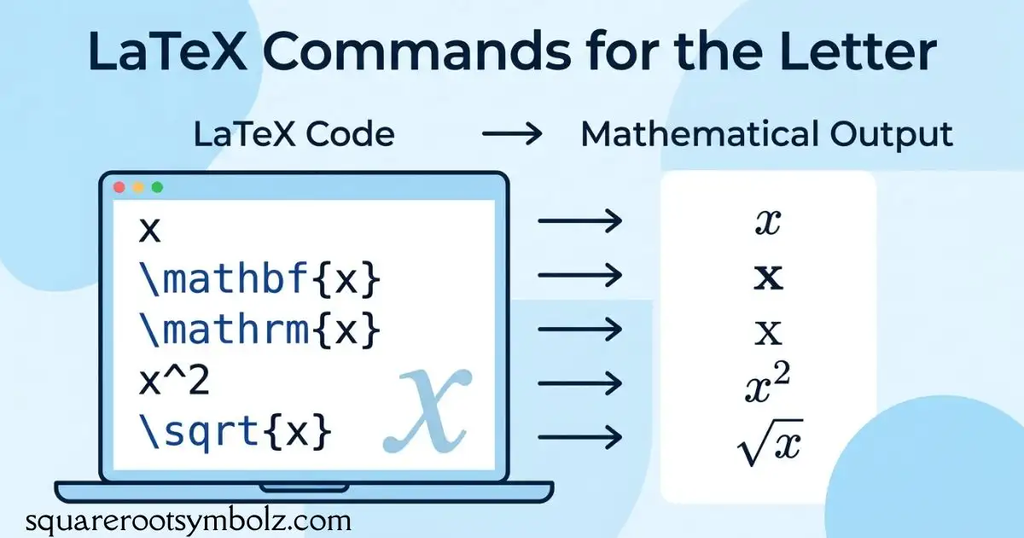
Quick LaTeX X command reference
| Symbol or output | LaTeX code | Typical use |
| xxx | x | Variable or unknown |
| XXX | X | Uppercase variable or label |
| ×\times× | \times | Multiplication |
| X\mathcal{X}X | \mathcal{X} | Calligraphic uppercase X |
| x^\hat{x}x^ | \hat{x} | X with a hat |
| XYZ^\widehat{XYZ}XYZ | \widehat{XYZ} | Wide hat over multiple characters |
| x\mathbf{x}x | \mathbf{x} | Bold vector or emphasized variable |
| X\mathbb{X}X | \mathbb{X} | Blackboard-bold X, with a suitable font package |
| ⋅\cdot⋅ | \cdot | Centered dot for multiplication |
| ⊗\otimes⊗ | \otimes | Tensor or other product operation |
For a normal mathematical variable, no special command is required. For the multiplication sign, use \times in math mode. If you are copying a command into an existing document, check that the surrounding expression is already inside math mode.
Example:
\[
x = 5,\qquad X = 10,\qquad 3 \times 4 = 12
\]
This produces an ordinary lowercase variable, an uppercase letter, and a multiplication expression. The letter x and the operator \times are not interchangeable: using the letter between numbers can make a formula look informal or ambiguous.
Choosing the right X symbol
The right command depends on meaning, not appearance alone. A variable should usually remain an italic mathematical letter. A multiplication operation needs an operator such as \times or \cdot. A stylized letter or a cancellation mark is a different typographic choice.
For example, 4×64\times 64×6 means four multiplied by six, while xxx may represent an unknown number. In vector mathematics, a⃗×b⃗\vec{a}\times\vec{b}a×b can represent a cross product. The context determines which notation communicates the intended operation.
Other styles of X mark symbol
A standard multiplication sign is not the same as a bold cross mark, a ballot-style X, or a decorative cancellation symbol. The \times command produces the mathematical multiplication operator; it is suitable for expressions and dimensions, but may not match the visual style needed for a checklist or status indicator.
For different X-mark designs, the CodeSpeedy reference lists commands from packages such as bbding, pifont, arev, utfsym, and fontawesome. These are package-dependent options, so choose one based on the symbol’s appearance and whether your document can load the required package.
Examples of cross-mark commands
The following examples illustrate commands listed by the source. The exact glyph depends on the package and font setup.
| Package | Command shown by the source | Purpose |
| bbding | \XSolid | Cross-style mark |
| bbding | \XSolidBold | Bold cross-style mark |
| pifont | \ding{55} | Dingbat cross mark |
| arev | \ballotx | Ballot-style X |
| utfsym | \usym{2718} | Unicode-style cross mark |
| fontawesome | \faTimes | Times or close-style icon |
For example, a document using pifont can display a dingbat symbol with:
\documentclass{article}
\usepackage{pifont}
\begin{document}
Incorrect: \ding{55}
\end{document}
If you receive an “undefined control sequence” error, check whether the required package is loaded and whether the command belongs to that package. A command copied from a symbol reference does not necessarily work in a minimal LaTeX document without its dependency.
X-Box or crossed box symbol in LaTeX
A crossed box is different from a standalone X. It places a cross inside a square or checkbox-like outline, which can be useful in forms, answer keys, or status lists. The CodeSpeedy page lists \XBox, \CrossedBox, and \usym{2612} as package-based options for crossed-box symbols.
Because these commands come from different packages, they are not universal replacements for one another. The visual result may vary with fonts and output engines. If the symbol must look consistent in a PDF, test the rendered result in the document and verify that the chosen font supports the glyph.
Crossed-box examples
| Package | Command | Notes |
| wasysym | \XBox | Crossed-box symbol |
| marvosym | \CrossedBox | Alternative crossed-box command |
| utfsym | \usym{2612} | Unicode symbol by code point |
A minimal example using wasysym looks like this:
\documentclass{article}
\usepackage{wasysym}
\begin{document}
Selected item: \XBox
\end{document}
If your goal is a form with both checked and unchecked boxes, make sure the two symbols use a compatible style. Mixing a font-based checkbox with a different package’s crossed box can create noticeable differences in line weight, size, or alignment.
Writing an ordinary x and multiplication sign
For a normal variable, type x inside math mode. For multiplication, type \times. The distinction is especially useful in dimensions, measurements, and algebraic expressions where the letter x might otherwise be mistaken for an operator.
The TeX–LaTeX Stack Exchange answer for N×NN\times NN×N specifically recommends \times in math mode. It also notes \texttimes for text-style use and mentions \cdot as another possible multiplication notation.
\[
x = 2,\qquad
N \times N,\qquad
3 \cdot 4 = 12
\]
Use \times when the conventional multiplication cross is desired, such as in matrix dimensions or elementary arithmetic. Use \cdot when a centered dot better fits the mathematical convention, such as certain algebraic expressions. Do not replace a variable with either operator just because the characters look similar.
Formatting calligraphic, bold, and accented X
LaTeX can change the style of a letter without changing its underlying mathematical role. The command \mathcal{X} produces a calligraphic uppercase X. A Stack Exchange answer identifies this command for a calligraphic X and shows how to place a hat above it using \hat or \widehat.
Other common styles include bold letters and accented variables. These are useful in linear algebra, statistics, and advanced mathematics, where font changes often distinguish vectors, sets, spaces, or transformed variables. Use the style required by your notation rather than choosing a decorative form only for appearance.
\[
x,\quad X,\quad
\mathcal{X},\quad
\mathbf{x},\quad
\hat{x},\quad
\widehat{\mathcal{X}}
\]
For blackboard-bold notation, \mathbb{X} is commonly used with a suitable math font package, such as amssymb. However, the uppercase X glyph may not look the same across fonts. Compile a small example first if matching a particular mathematical style is important.
Common LaTeX X mistakes
One common mistake is typing the literal letter x when the intended symbol is ×\times×. Another is entering a math command in ordinary text without switching to math mode. A third is copying a package-specific cross or box command without including the package that defines it.
A quick fix is to identify the intended meaning before changing the code. If the symbol represents a number or unknown, use a letter. If it indicates multiplication, use an operator. If it marks a choice or incorrect answer, select a cross-mark or crossed-box glyph and confirm its package requirements.
| Problem | Likely cause | Fix |
| \times appears as text or errors | Not in math mode | Use …, …, or… |
| \XBox is undefined | Missing package | Load wasysym |
| \ding{55} is undefined | Missing package | Load pifont |
| X looks like a letter instead of an operator | Typed x | Replace with \times |
| \mathbb{X} looks unexpected | Font or package difference | Check the math font and package |
| Hat is too short over several characters | Single-character accent used | Try \widehat{…} |
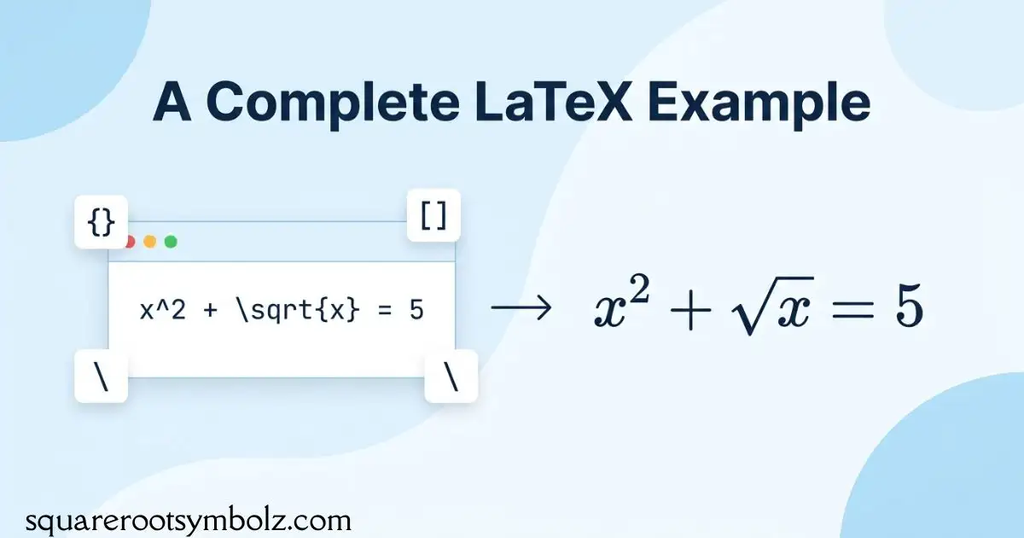
A complete LaTeX example
This small document combines the most common X-related forms in one place. It includes an ordinary variable, a multiplication sign, a calligraphic letter, and an accented variable. It uses standard math commands, so no additional symbol package is required for these examples.
\documentclass{article}
\usepackage{amsmath}
\usepackage{amssymb}
\begin{document}
Ordinary variable: x
Multiplication: 34=12
Calligraphic X: X
Bold vector: x
Accented variable: x
Blackboard-bold X: X
\[
N \times N
\]
\end{document}
This example is a useful starting point when you are unsure which command to use. Once it compiles, add any package-based cross mark or checkbox separately. Keeping the basic mathematical notation independent from decorative symbols makes errors easier to diagnose.
Conclusion
The correct LaTeX X command depends on what you want to express. Use x for an ordinary variable, \times for multiplication, \mathcal{X} for a calligraphic uppercase letter, and package-specific commands for cross marks or crossed boxes.
If a symbol does not render as expected, check its mathematical meaning, math mode, package requirements, and font support. A small test document is often the quickest way to find the right command before adding it to a longer paper, assignment, or technical report.
FAQs
How do you write x in LaTeX?
Type x inside math mode. For example, x=5 displays x=5x=5x=5. You do not need a special command for an ordinary lowercase variable.
How do you write the multiplication sign in LaTeX?
Use \times in math mode. For example, 34=12 displays 3×4=123\times4=123×4=12. For a centered dot, use \cdot instead.
How do you write a calligraphic X in LaTeX?
Use \mathcal{X} inside math mode. For example, X produces X\mathcal{X}X. The command is for uppercase calligraphic letters.
How do you put a hat over X in LaTeX?
Use \hat{X} for a hat over one character. For a wider expression, use \widehat{XYZ}. Both commands work in math mode.
How do you write a cross mark in LaTeX?
For a simple mathematical cross, use \times. For a decorative cross mark, commands such as \ding{55} from pifont or \XSolid from bbding may be appropriate. The package must be loaded.
How do you make a crossed box in LaTeX?
Use a package-specific command such as \XBox from wasysym, \CrossedBox from marvosym, or a suitable Unicode-symbol command. Check the package documentation and compile the result to confirm the appearance.
What is the difference between x and \times?
x is a letter commonly used as a variable or unknown. \times is a mathematical multiplication operator. They may look similar in some fonts, but they have different mathematical meanings.
Why does my LaTeX X command show an error?
A command may be outside math mode, misspelled, or defined by a package that is not loaded. Check the exact command and its package requirements. For a package-specific symbol, test it in a minimal document before adding it to a larger project.

I’m the creator of SquareRootSymbolz.com, where I publish easy-to-understand guides on symbols, Unicode characters, Alt codes, keyboard shortcuts, and copy-and-paste text symbols. My goal is to provide accurate, well-researched, and user-friendly content that helps readers quickly find the information they need.