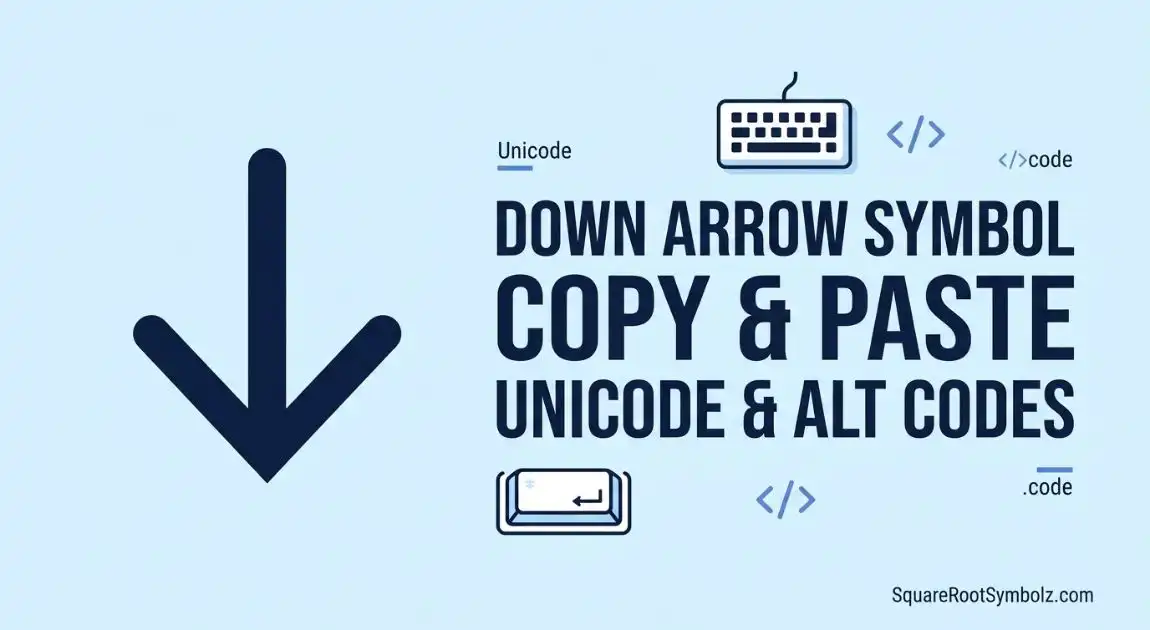
If you’re looking for the Down Arrow Symbol Copy and Paste, you’re in the right place. Whether you’re creating documents, designing a website, writing code, or formatting social media posts, down arrow symbols are useful for indicating direction, navigation, downloads, or scrolling.
On this page, you’ll find ready-to-copy Down Arrow Symbol characters, Unicode, HTML Entity, Alt Code, Keyboard Shortcut, and easy typing methods for Windows, Mac, Android, and iPhone. You’ll also learn where these symbols are commonly used and how to insert them into Microsoft Word, Google Docs, and other applications.

Down Arrow Symbol Copy and Paste
Simply copy any of the symbols below and paste them wherever you need.
| Symbol | Name | Copy |
| ↓ | Down Arrow | ↓ |
| ⬇ | Black Down Arrow | ⬇ |
| ⇩ | Double Down Arrow | ⇩ |
| ↧ | Downwards Arrow with Tip | ↧ |
| ↡ | Downwards Two-Headed Arrow | ↡ |
| ⤓ | Heavy Down Arrow | ⤓ |
| ⬍ | Down Arrow Variation | ⬍ |
Ready-to-Copy Symbols
Here are the most commonly used symbols:
↓ ⬇ ⇩ ↧ ↡ ⤓ ⬍
Simply select, copy, and paste them into your documents, emails, websites, or social media posts.
Different Arrow Styles
Different arrow styles serve different purposes:
- ↓ Standard down arrow
- ⬇ Bold or black down arrow
- ⇩ Double down arrow
- ↧ Downward arrow with tip
- ⤓ Heavy down arrow
- ↡ Two-headed down arrow
Mobile & Desktop Users
These symbols work across most platforms, including:
- Windows
- Mac
- Android
- iPhone & iPad
- Linux
- Microsoft Word
- Google Docs
- Excel
- PowerPoint
- Web browsers

Different Types of Down Arrow Symbols
↓ Down Arrow
The standard Down Arrow Symbol is the most widely used. It indicates downward movement, scrolling, or navigation.
⬇ Black Down Arrow
The black version is larger and more visually prominent, making it ideal for buttons, banners, and call-to-action sections.
⇩ Double Down Arrow
The double arrow often represents downloading, moving multiple lines, or navigating to the bottom of a page.
↧ Downwards Arrow with Tip
This symbol is commonly used in technical documents, mathematics, and specialized notation.
⤓ Heavy Down Arrow
The heavy down arrow is frequently used in UI design and download buttons because it is easier to notice.
⬍ Other Variations
Other downward arrow variations are available in Unicode and can be used depending on the design or formatting requirements of your project.

What Does the Down Arrow Symbol Mean?
The Arrow Symbol has different meanings depending on the context.
General Meaning
It usually represents downward direction, movement, continuation, or pointing to information below.
Technology
In software and websites, the symbol commonly indicates:
- Download
- Scroll down
- Expand a menu
- Open a dropdown
- Navigate to additional content
Mathematics
In mathematics and logic, downward arrows can represent limits, convergence, mappings, or logical operations.
Gaming
Many games use the down arrow as a movement key or to crouch, descend, or navigate menus.
Social Media
Content creators often use the symbol to encourage users to:
- Read more
- Open comments
- Click a link below
- View additional information
Documents
In documents and presentations, down arrows help organize information, highlight important sections, or show workflow direction.
Down Arrow Symbol Alt Codes, Unicode & HTML Codes
Using the correct code allows you to insert the symbol in websites, software, or programming projects.
| Type | Value |
| Unicode | U+2193 |
| HTML Entity | ↓ |
| HTML Number | ↓ |
| UTF-8 | E2 86 93 |
Alt Codes
On Windows, you can type certain symbols using Alt Code shortcuts.
| Symbol | Alt Code |
| ↓ | Alt + 25 (works in many applications) |
| ↓ | Alt + 8595 (Unicode input in supported editors) |
Unicode Values
| Symbol | Unicode |
| ↓ | U+2193 |
| ⬇ | U+2B07 |
| ⇩ | U+21E9 |
| ↧ | U+21A7 |
| ↡ | U+21A1 |
| ⤓ | U+2913 |
HTML Entity Codes
| Symbol | HTML |
| ↓ | ↓ |
| ↓ | ↓ |
| ⬇ | ⬇ |
| ⇩ | ⇩ |
CSS & JavaScript Codes
CSS
.arrow::before {
content: “\2193”;
}
JavaScript
const arrow = “\u2193”;
console.log(arrow);

I’m the creator of SquareRootSymbolz.com, where I publish easy-to-understand guides on symbols, Unicode characters, Alt codes, keyboard shortcuts, and copy-and-paste text symbols. My goal is to provide accurate, well-researched, and user-friendly content that helps readers quickly find the information they need.