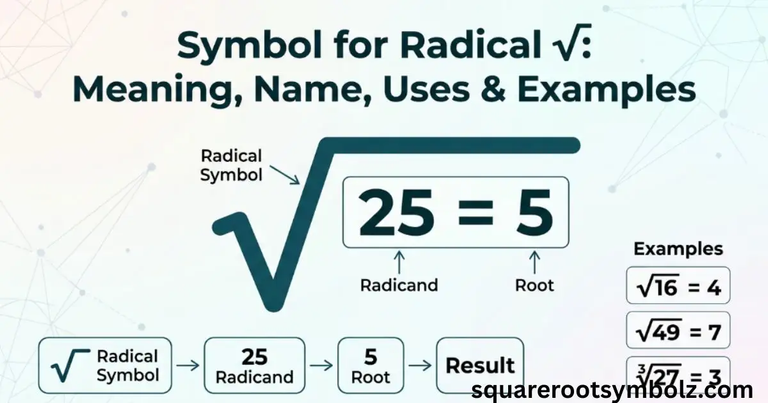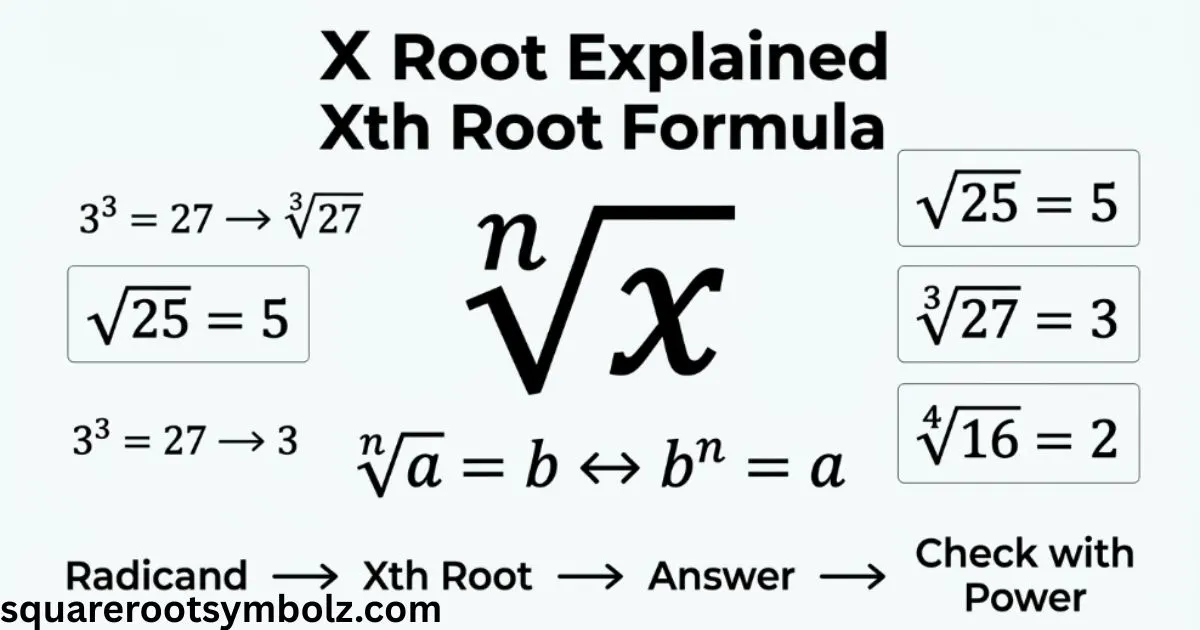
X root means the x-th root of a number, where x tells you which root to take. In radical notation, the x is the root index and the number inside the radical is the radicand. For example, the fourth root of 81 is 3 because 3 raised to the fourth power equals 81. The same idea appears as an x√ function on many scientific and graphing calculators. Texas Instruments defines x√ as the x-th root operation.
If you have ever stared at an x√ key and wondered what the x actually means, you are not alone. It is simply a flexible root function: choose the index, enter the number, and calculate. This guide explains the x-th root formula, calculator notation, examples, negative values, fractional exponents, and the mistakes that commonly cause confusion.
Command Summary
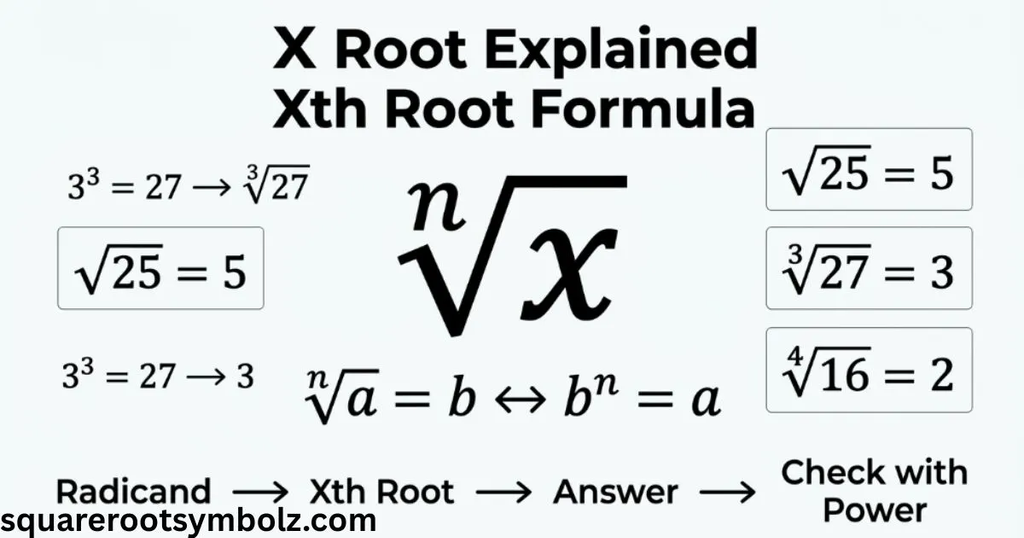
The x root function calculates the x-th root of a value. The letter x represents the root index, while the number being rooted is the radicand. For example, an x root of 625 can represent the fourth root when x equals 4, giving 5 because 5 × 5 × 5 × 5 equals 625.
In general, the x-th root of a number y can be written as y^(1/x). This connects radical notation with fractional exponents. If you know that a number raised to the x power produces y, reversing that operation gives the corresponding x root.
| Root | Radical idea | Example | Answer |
| 2nd root | Square root | √25 | 5 |
| 3rd root | Cube root | ∛27 | 3 |
| 4th root | Fourth root | ⁴√16 | 2 |
| 5th root | Fifth root | ⁵√32 | 2 |
| 6th root | Sixth root | ⁶√64 | 2 |
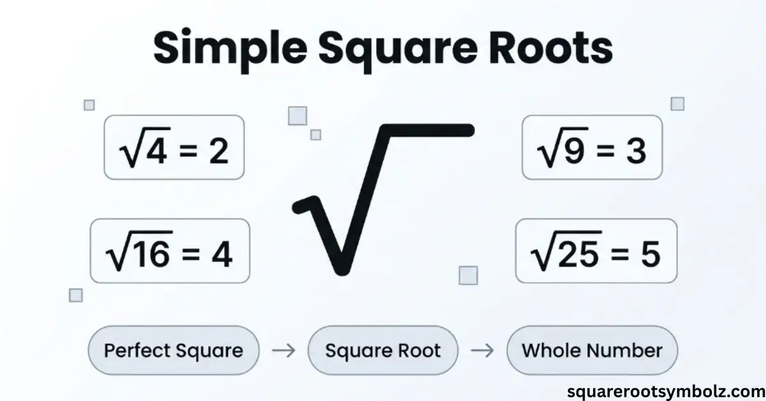
The familiar square root is simply the special case where the index is 2. The cube root uses an index of 3. When the index is 4 or higher, the number is normally shown explicitly beside the radical symbol.
Command Syntax
The basic x root structure places the root index before the radical and the value inside or after the radical expression. In mathematical notation, the general form is the x-th root of y. It can also be represented with a fractional exponent as y^(1/x).
For example, the fifth root of 32 is 2 because 2⁵ = 32. Written with an exponent, the same calculation is 32^(1/5) = 2. This equivalence is extremely useful because it lets you move between radical expressions and exponent rules when solving algebra problems.
Consider another example:
⁴√625 = 5
because:
5⁴ = 625
The root asks the reverse question of a power. Instead of asking what 5⁴ equals, you ask which number raised to the fourth power equals 625.
Menu Location
On Texas Instruments graphing calculators, the x root function is available through the calculator’s mathematical functions. TI documentation shows the x√ operation as an x-th-root function, while TI-BASIC references identify Xroot as a calculator command.
The exact key sequence depends on the calculator model. Some calculators place x√ above another key and require a 2nd or Shift command. For example, educational calculator instructions commonly show the process as entering the root index, activating x√, entering the radicand, and pressing Enter.
Calculator Compatibility
Many scientific and graphing calculators include an x root function because it allows users to calculate roots beyond ordinary square and cube roots. Texas Instruments documentation specifically supports x√ for real or complex numbers, expressions, and lists on compatible models.
The notation may look slightly different depending on the device. A calculator can display x√, x√y, or a similar root function. LibreTexts also describes the x√ key as a way to select the index of a root when working with a scientific calculator.
| Calculator feature | Purpose |
| √ | Square root |
| ³√ | Cube root |
| x√ | Any selected x-th root |
| ^ | Exponentiation |
| 2nd/Shift | Access secondary functions |
For a simple calculation, the important sequence is conceptually:
index → x√ → radicand → Enter
For example, to find the fourth root of 81, enter 4, select the x√ function, enter 81, and calculate. The result is 3.
Optimization
If you only need a square root or cube root, using the dedicated square-root or cube-root function can be quicker than selecting a general x root operation. Cemetech specifically recommends the ordinary square-root or cube-root commands when the second or third root is required.
The general x root becomes most useful when the index changes. For example, the fourth root of 16 is 2, the fifth root of 32 is 2, and the sixth root of 64 is 2. One function handles all three cases, so you do not need a separate calculator operation for every possible root.
There is also a useful algebraic shortcut:
x-th root of y = y^(1/x)
That relationship is often easier to use in programming, algebra, logarithms, and spreadsheet calculations than radical notation.
For example:
625^(1/4) = 5
because:
5⁴ = 625
Programming languages and mathematical libraries commonly use the fractional-exponent relationship to calculate roots. The math.js library, for example, provides an nthRoot function for this purpose.
Error Conditions
An x root can produce an error when the requested result is not a real number and the calculator is operating in real-number mode. This commonly happens when you request an even root of a negative number. Cemetech documents this behavior for TI-BASIC’s Xroot command.
For example, the fourth root of −16 is not a real number. There is no real number that can be multiplied by itself four times to produce −16 because an even power of a real number is nonnegative. In complex-number mode, however, such roots can be represented using complex values.
Odd roots behave differently. The cube root of −8 is −2 because:
(−2)³ = −8
This distinction between even and odd root indices is important whenever negative radicands appear.
Related Commands
The x root function is closely related to ordinary square roots, cube roots, and exponentiation. TI-BASIC identifies square root, cube root, and the power operator as related commands to Xroot.
These operations are different ways of expressing inverse relationships:
| Operation | Example | Result |
| Square | 5² | 25 |
| Square root | √25 | 5 |
| Cube | 4³ | 64 |
| Cube root | ∛64 | 4 |
| Fourth power | 3⁴ | 81 |
| Fourth root | ⁴√81 | 3 |
Understanding this relationship makes roots much less mysterious. A root essentially reverses a power. If you know the exponent and the result, the corresponding root helps you recover the original base.
The x-th root can also be written with a fractional exponent:
⁴√81 = 81^(1/4) = 3
This is especially helpful when simplifying algebraic expressions or applying exponent rules.
Estimating Cube Roots
The same x root function used for fourth, fifth, or sixth roots can calculate cube roots when the index is 3. LibreTexts explains that scientific calculators commonly provide an x√ key and demonstrates entering 3, selecting x√, and then entering the number.
For a non-perfect cube such as 20, the cube root is not an integer. A calculator gives an approximation of about 2.714, while a nearby perfect cube helps you estimate the result mentally. Since 2³ = 8 and 3³ = 27, the answer must fall between 2 and 3.
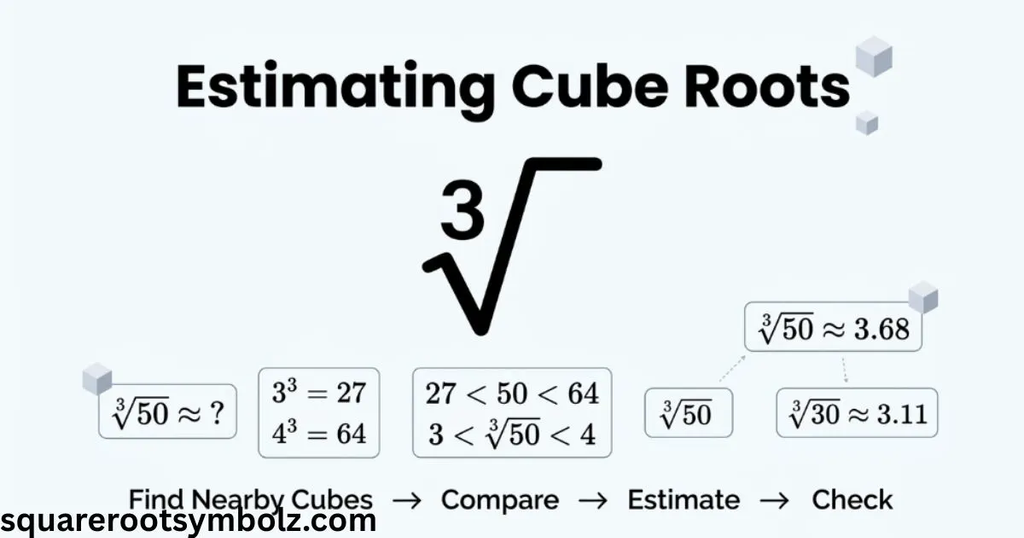
The same estimation idea works for any x root. Find nearby perfect powers, identify the interval containing the answer, and then refine the approximation. This is useful when you want to check whether a calculator result is reasonable.
Calculator Tip
When using an x root calculator function, pay attention to the order in which you enter the index and radicand. Some calculators expect the root index first, while others use a different screen layout. Texas Instruments examples show the index being entered before the x√ operation and the value following it.
Suppose you need the sixth root of 729. The reasoning is simple because 3⁶ = 729. On a compatible calculator, select the sixth-root operation and enter 729. The answer should be 3. TI documentation provides this type of x-th-root operation for its calculators.
A useful habit is to verify the answer by raising it back to the original power. If your calculator says the fourth root of 625 is 5, check:
5⁴ = 625
That quick check catches many input mistakes.
Order of Operations
Roots are treated like powers when evaluating an expression, so they should be handled before multiplication, division, addition, and subtraction at the appropriate stage of the order of operations. LibreTexts explicitly notes that cube roots follow the same order-of-operations rules as square roots.
For example:
2 + ³√8
First calculate the cube root:
³√8 = 2
Then add:
2 + 2 = 4
Another example is:
3 × ⁴√16
The fourth root is 2, so:
3 × 2 = 6
Parentheses become important when the radicand contains multiple operations. For example, the fourth root of (16 + 65) is different from the fourth root of 16 plus 65. Clearly grouping the radicand prevents ambiguity.
Conclusion
The x root is the general idea of taking an x-th root, where x specifies the root index. The x√ calculator function lets you choose that index and calculate roots such as square roots, cube roots, fourth roots, fifth roots, and higher roots. Texas Instruments and educational mathematics resources both use x√ to represent this general root operation.
The key relationship to remember is:
x-th root of y = y^(1/x)
If a^x = y, then a is an x-th root of y. Once you understand that roots reverse powers, the notation becomes much easier. Whether you are using a TI calculator, solving an algebra problem, estimating a root, or converting radicals into fractional exponents, the same underlying idea applies.
FAQ Section
What does x root mean?
X root means the x-th root of a number. The x represents the root index. For example, the fourth root of 81 is 3 because 3⁴ = 81.
What is the x root formula?
The x-th root of y can be written as:
y^(1/x)
So the fourth root of 16 can be written as 16^(1/4) = 2.
What does the x√ button do?
The x√ button calculates the x-th root of a value. You select the root index, enter the number being rooted, and calculate. Texas Instruments identifies x√ as its x-th-root function.
Is x root the same as nth root?
Yes. X-th root and nth root describe the same general concept. The letter x or n represents the index of the root.
How do you calculate an x root without a calculator?
You can rewrite the root as a fractional exponent:
x-th root of y = y^(1/x)
For simple perfect powers, identify the number that produces the radicand when raised to the required power.
What happens when x is 2?
When x equals 2, the x-th root becomes the square root. For example:
2nd root of 25 = √25 = 5
What happens when x is 3?
When x equals 3, the root becomes the cube root. For example:
3rd root of 27 = ∛27 = 3
Can an x root be negative?
It depends on the index and radicand. Odd roots of negative real numbers can produce negative real results, such as ∛(−8) = −2. Even roots of negative real numbers are not real numbers.

I’m the creator of SquareRootSymbolz.com, where I publish easy-to-understand guides on symbols, Unicode characters, Alt codes, keyboard shortcuts, and copy-and-paste text symbols. My goal is to provide accurate, well-researched, and user-friendly content that helps readers quickly find the information they need.