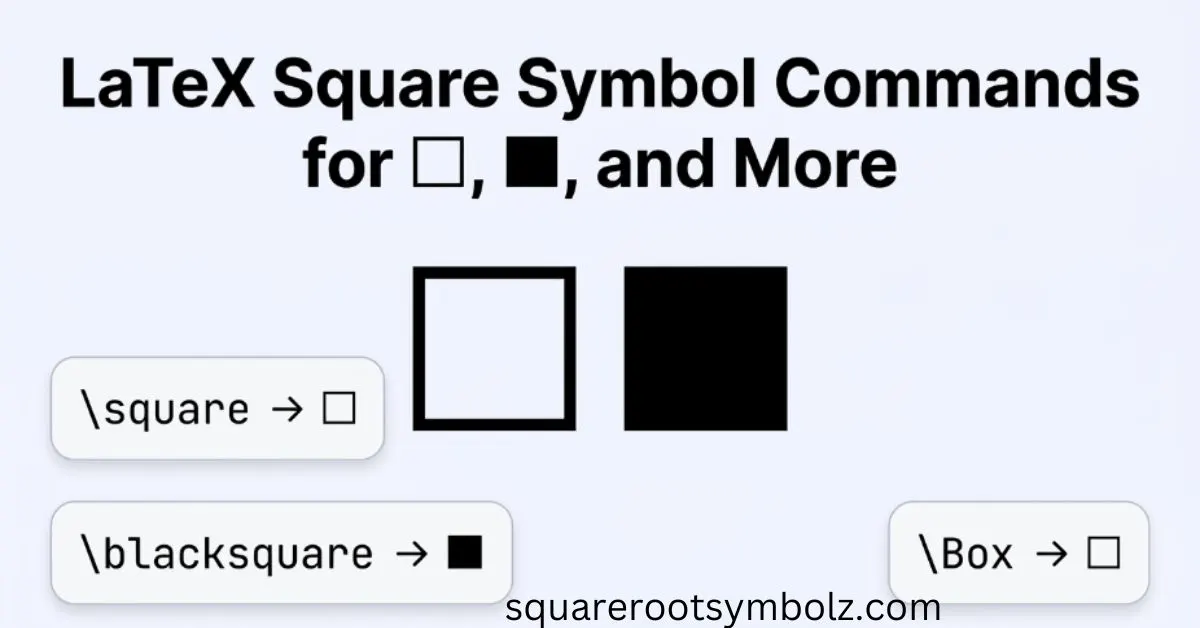
The simplest way to create a LaTeX square symbol is usually \square with the amssymb package. Depending on the shape you need, however, LaTeX also provides related commands such as \Box and \blacksquare, while packages such as STIX offer additional filled-square variants.
If you’ve ever copied a square symbol from another document and wondered why your LaTeX file would not compile, the problem is usually the command or missing package. The good news is that the basic solution is short. Once you know the difference between \square, \Box, and \blacksquare, choosing the right symbol becomes much easier.
How to Write the Square Symbol in LaTeX
For the standard hollow square, use the \square command after loading amssymb:
\documentclass{article}
\usepackage{amssymb}
\begin{document}
$\square$
\end{document}
This produces a hollow square symbol. LaTeXTutorials specifically identifies \square as the command for the square symbol and demonstrates it in a LaTeX document with amssymb.
The important part is the package declaration:
\usepackage{amssymb}
Without the appropriate symbol package, LaTeX may report an undefined control sequence when it encounters \square. This is one of the most common mistakes when someone copies only the command instead of the complete example.
Quick LaTeX Square Code
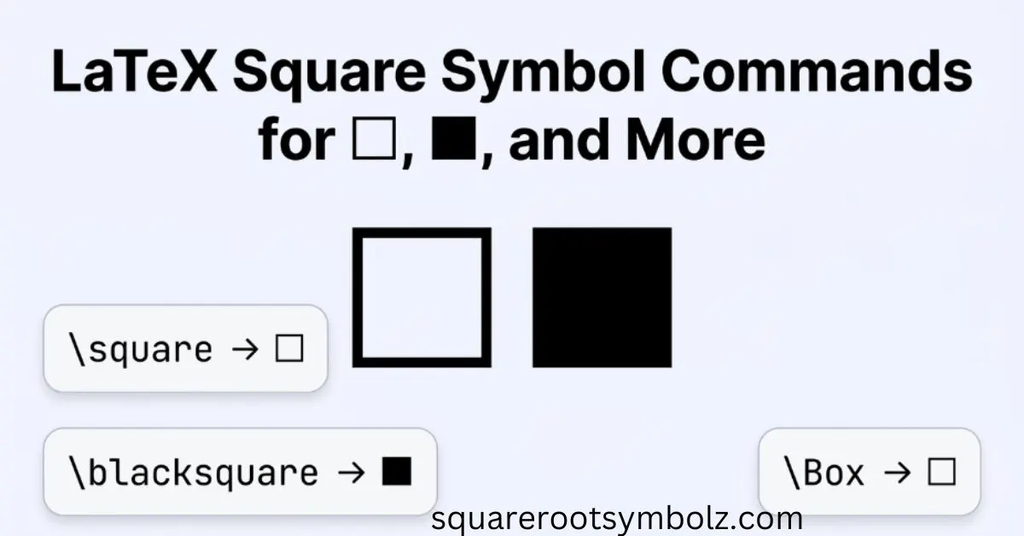
| Symbol | LaTeX command | Typical use |
| □ | \square | Hollow mathematical square |
| □ | \Box | Larger box-style symbol |
| ■ | \blacksquare | Filled square/QED |
| √ | \sqrt{x} | Square root, not a box |
| ▢ | \square | Square glyph depending on font |
The exact appearance can vary slightly with the math font and rendering environment. That means two documents can use the same LaTeX command while displaying subtly different square shapes.
How to Write the Square Symbol in Mathematical Expressions
The \square command is normally used in math mode. For inline mathematics, place it between dollar signs:
This statement is represented by $\square$.
For a displayed expression, use:
\[
\square
\]
The same principle applies when the square is part of a larger mathematical expression. For example:
\[
A \square B
\]
Whether that expression has a specific mathematical meaning depends on the notation you’re using. The symbol itself does not automatically tell LaTeX what mathematical operation or logical relationship you intend.
This distinction is important for beginners: LaTeX typesets the symbol; you provide its mathematical meaning through context.
Basic Square Symbols With amssymb
The amssymb package is one of the most useful additions for mathematical symbols in LaTeX. PhysicsRead identifies it as the package that provides both \square and \Box, allowing different empty box-style symbols to be produced.
A basic example is:
\documentclass{article}
\usepackage{amssymb}
\begin{document}
\[
\square
\]
\[
\Box
\]
\end{document}
These commands produce related but visually distinct symbols. If you’re following a textbook, journal style, or existing mathematical notation, compare the rendered output rather than assuming that every square command creates the same glyph.
\square vs. \Box
The two commands are related, but they are not simply two spellings for exactly the same visual character.
$\square$
and
$\Box$
can be useful when you need different square/box glyphs.
A practical rule is simple: start with \square when you want the conventional mathematical square, and test \Box when the reference document uses a more box-like appearance.
Filled Square Symbols With stix
If you need a solid black square or several filled-square sizes, the STIX package can provide additional glyphs. PhysicsRead demonstrates commands including \smblksquare, \mdblksquare, \mdlgblksquare, and \lgblksquare.
For example:
\documentclass{article}
\usepackage{stix}
\begin{document}
\[
\smblksquare
\]
\[
\mdblksquare
\]
\[
\mdlgblksquare
\]
\[
\lgblksquare
\]
\end{document}
This approach is useful when a normal \blacksquare does not give you the exact size or appearance required by your design.
The key SEO and usability point here is that “square” is not one universal LaTeX glyph. Different packages expose different symbols, and the correct choice depends on whether you need an outline, a filled shape, a proof marker, or a specialized graphical element.
Half Filled Square Symbol
A half-filled square is a more specialized requirement. TeX/LaTeX Stack Exchange contains a discussion specifically asking for a symbol between \blacksquare and \square, showing that users sometimes need square variants that are not directly available in the standard amssymb collection.
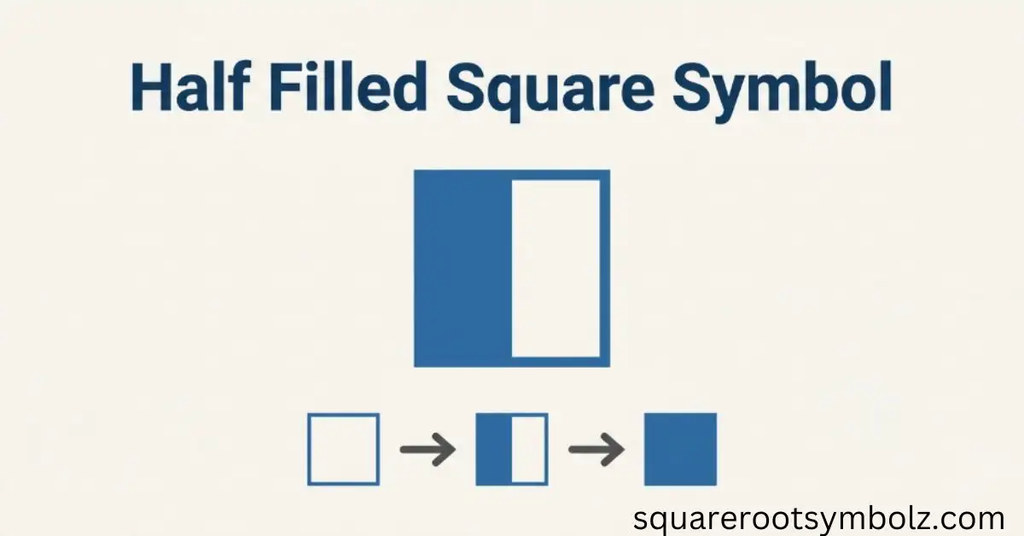
For specialized shapes, don’t force a standard command to behave like something it wasn’t designed to create. Depending on the exact appearance, you may need another symbol package, a font with the required glyph, or a drawing solution such as TikZ.
This is especially relevant for diagrams, custom notation, and academic figures where the visual geometry of the square matters as much as its mathematical meaning.
Changing the Size of the Square Symbol
If your square needs to match a particular symbol size, the available options depend on the command and package you’re using. TeX/LaTeX community discussions include questions about resizing \blacksquare to match symbols such as \bullet.
For a simple document, choosing a suitable glyph from a symbol package is usually cleaner than manually scaling a character. For more advanced typography, commands such as \mathchoice, font-specific symbols, or graphics packages can provide greater control.
The goal should be consistent mathematical typography, not simply making one square visually larger.
Useful LaTeX Square Commands at a Glance
| Need | Command | Package/approach |
| Hollow square | \square | amssymb |
| Box symbol | \Box | amssymb |
| Filled square | \blacksquare | AMS symbol set |
| Small filled square | \smblksquare | stix |
| Medium filled square | \mdblksquare | stix |
| Medium-large filled square | \mdlgblksquare | stix |
| Large filled square | \lgblksquare | stix |
The Comprehensive LaTeX Symbol List also catalogs multiple square-related commands, including \square, \Square, and numerous specialized square/shadow variants.
Conclusion
The LaTeX square you need depends on the visual result you’re trying to create. For a standard hollow mathematical square, \square with amssymb is the simplest choice. If you need another box style, \Box may fit better, while \blacksquare or STIX commands are useful for filled squares.
The biggest mistake is treating every square glyph as interchangeable. Square, box, black square, QED marker, checkbox, and geometric square can have different purposes. Choose the command based on the meaning and appearance you need, then let LaTeX handle the typography.
FAQ Section
What is the LaTeX command for a square?
For a standard hollow square, use:
\usepackage{amssymb}
$\square$
The \square command is provided by the AMS symbol collection.
How do I make a black square in LaTeX?
Use:
\blacksquare
It is commonly used as a filled square and can also serve as a proof-ending/QED symbol.
What package do I need for \square?
Load:
\usepackage{amssymb}
before using \square.
What is the difference between \square and \Box?
Both produce empty square/box-style symbols, but their glyph designs differ. If exact visual matching matters, compile both and select the one that matches your notation.
How do I make a filled square in LaTeX?
Use \blacksquare for a standard filled square. For several filled-square sizes, the STIX package offers additional commands.
Can I use \square without amssymb?
The commonly documented approach is to load amssymb. If LaTeX reports that \square is undefined, adding \usepackage{amssymb} is the first thing to check.
Is \square the same as a square root?
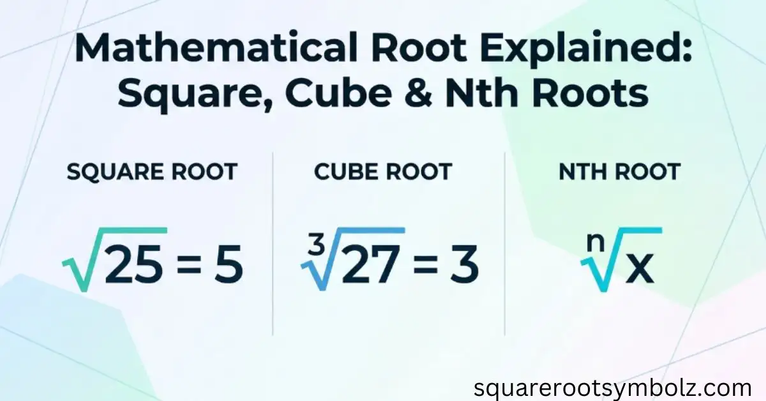
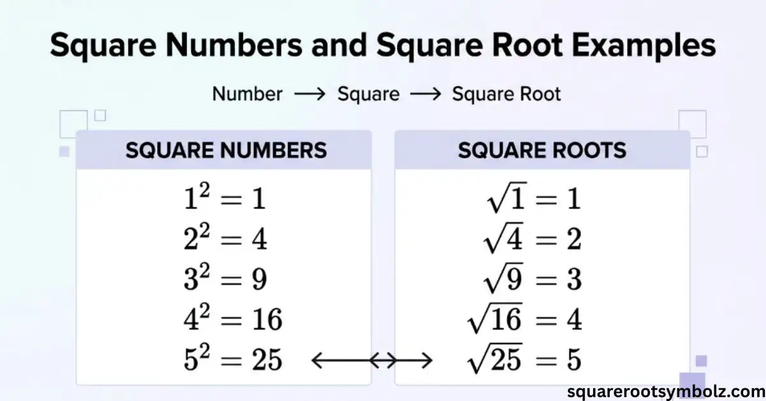
No. \square represents a square/box symbol, while \sqrt{x} creates a square-root expression. The official LaTeX reference distinguishes the radical command \sqrt from square-related symbols.
How do I create a square root in LaTeX?
Use:
\sqrt{x}
For example:
\[
\sqrt{25}=5
\]
Overleaf’s LaTeX guide lists \sqrt{x} for square roots and \sqrt[n]{x} for nth roots.

I’m the creator of SquareRootSymbolz.com, where I publish easy-to-understand guides on symbols, Unicode characters, Alt codes, keyboard shortcuts, and copy-and-paste text symbols. My goal is to provide accurate, well-researched, and user-friendly content that helps readers quickly find the information they need.