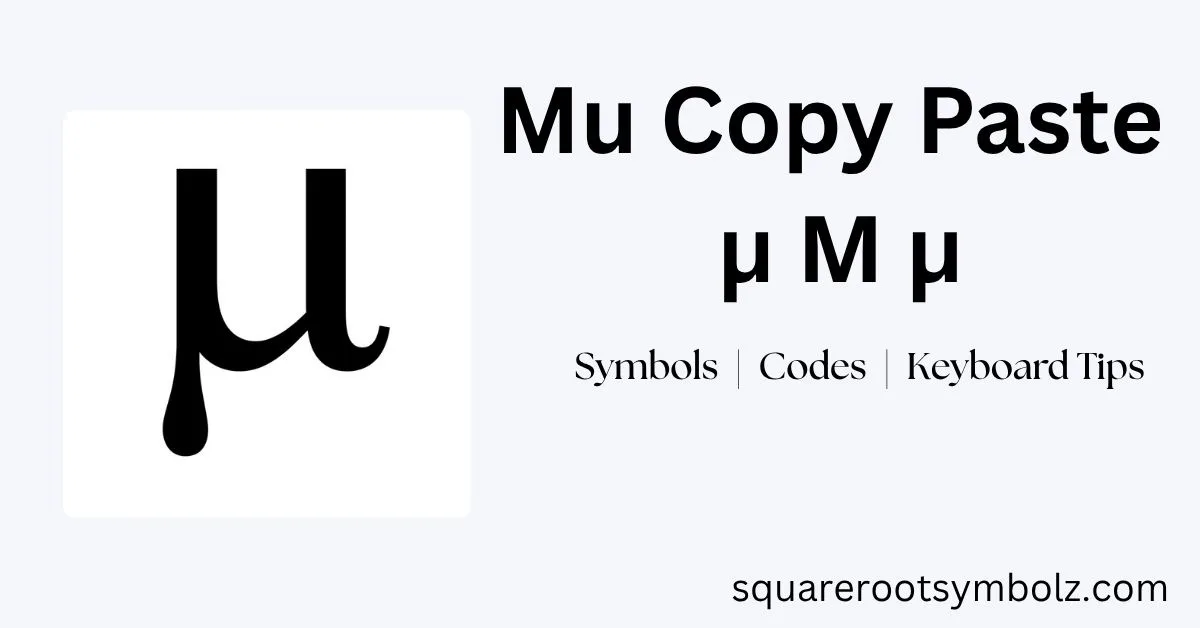
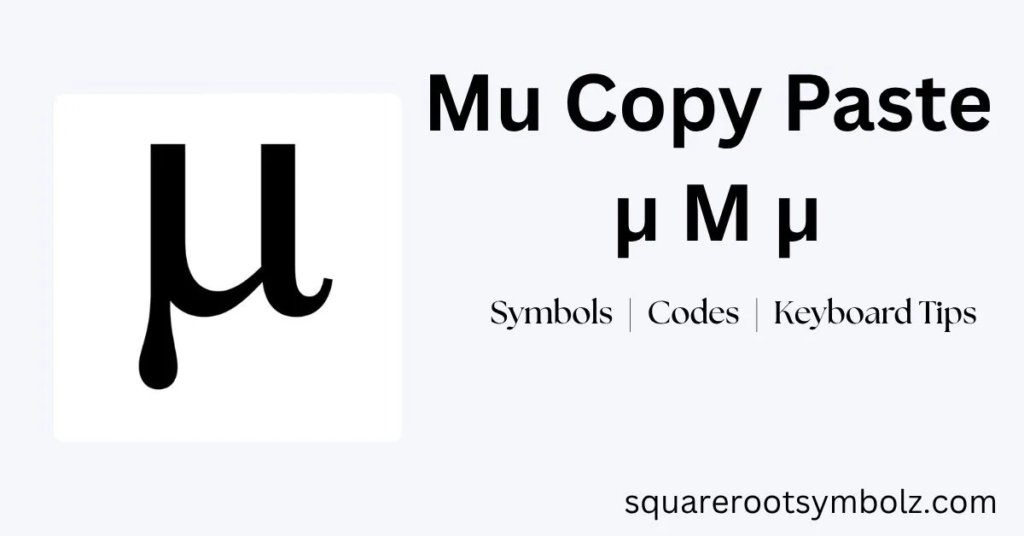
My copy paste is easiest when you already have the character you need: μ for lowercase Greek Mu, Μ for uppercase Greek Mu, or µ for the separate micro sign. These characters are useful in math, statistics, physics, engineering, chemistry, measurements, documents, websites, and social media.
If you have ever searched for Mu because your keyboard did not show the character, you are not alone. After working with symbols and Unicode notation, I know the frustrating part is usually identifying the correct character first. This guide gives you the characters immediately, then explains Unicode, Alt codes, HTML, CSS, keyboard methods, mathematical variants, and the important difference between μ and µ.
Mu Copy Paste
Here are the standard Mu characters you can copy directly:
Lowercase Mu: μ
Uppercase Mu: Μ
Micro Sign: µ
For most mathematical and statistical writing, μ is the Greek small letter Mu. The uppercase form is Μ, while µ is a different Unicode character called the micro sign. They can look almost identical in many fonts, which is why choosing the right character matters.
You can use these characters in Microsoft Word, Excel, Google Docs, PDFs, presentations, emails, websites, notes, messaging apps, and social media. Because they are Unicode characters, you normally do not need a special font or image to display them. Simply select the character, copy it, and paste it into your destination.
Mu symbol text copy and paste
For ordinary text, the lowercase character is μ and the uppercase character is Μ. The lowercase version is the one most commonly encountered when Mu represents a variable, population mean, or other mathematical quantity. Unicode lists Greek Small Letter Mu as U+03BC and Greek Capital Letter Mu as U+039C.
Mu symbol stylized text copy and paste
Mathematical Unicode contains additional Mu characters, including bold, italic, sans-serif, and other mathematical styles. These can be useful when plain text formatting is not enough, although standard μ is generally the safest choice for normal documents, websites, and everyday communication.
Mu Copy Paste With Unicode, Alt Code, CSS Code, Dec Code & Hex Code
The lowercase Greek Mu character μ has Unicode code point U+03BC, decimal value 956, and hexadecimal representation 03BC. Its HTML decimal representation is μ, while its hexadecimal HTML representation is μ. These codes allow the character to be inserted when direct copying is inconvenient.
The uppercase Greek Mu is Μ, with Unicode U+039C and decimal value 924. The micro sign µ is different: it uses U+00B5 and decimal 181. Although the three characters can appear nearly identical, Unicode treats them as separate characters with different identities and code points.
| Character | Name | Unicode | Decimal | HTML |
| μ | Greek Small Letter Mu | U+03BC | 956 | μ |
| Μ | Greek Capital Letter Mu | U+039C | 924 | Μ |
| µ | Micro Sign | U+00B5 | 181 | µ |
For web developers, the same characters can also be represented with CSS Unicode escapes. Lowercase Mu can use \03BC, uppercase Mu can use \039C, and the micro sign can use \00B5. These representations are particularly useful when a character needs to be generated through HTML or CSS rather than pasted directly.
How to Type the Mu Copy Paste Symbol Using Keyboard?
On Windows, one commonly documented method for lowercase Greek Mu is Alt + 956 when using a numeric keypad. Some symbol websites also document Alt + 230 as a Windows method, but Alt-code behavior can vary by application, code page, and keyboard configuration. For dependable Unicode insertion, Word’s 03BC + Alt + X method is often clearer.
On Linux, a Unicode input sequence can be used: press Ctrl + Shift + U, enter 03BC, and press Enter to produce μ. On macOS, Character Viewer provides a reliable way to search for and insert Mu. The exact shortcut can vary depending on the application and keyboard configuration.
| Platform | Convenient method | Result |
| Windows | Alt + 956 with numeric keypad | μ |
| Word | 03BC + Alt + X | μ |
| Linux | Ctrl + Shift + U → 03BC → Enter | μ |
| Mac | Character Viewer | μ |
| Google Docs | Insert → Special characters → search Mu | μ |
| Any device | Copy and paste | μ |
If you only need the symbol once, copy and paste is usually the fastest option. Keyboard methods become more valuable when you frequently write mathematical formulas, scientific measurements, or statistical notation.
All Mu Copy Paste Symbols
The basic Mu characters are μ and Μ, while the separate micro sign is µ. Mathematical Unicode also includes styled versions designed for mathematical notation, such as mathematical bold and italic Mu. These variants should not be confused with ordinary letters that merely resemble the Greek character.
Original Symbols
μ — Greek Small Letter Mu
Μ — Greek Capital Letter Mu
µ — Micro Sign
The first two belong to the Greek letter system, while the third is a separate character associated with the micro sign. This distinction becomes particularly important in technical documents, scientific publishing, databases, and software where character identity matters beyond visual appearance.
Variations
Some mathematical Mu variations include characters such as 𝛍, 𝜇, 𝝁, and 𝞵. Unicode provides these mathematical forms so mathematical text can preserve stylistic distinctions without relying solely on font formatting. Not every application or font supports every mathematical Unicode character equally well.
For ordinary writing, however, the plain μ remains the most practical choice. Use a mathematical variant only when you specifically need its formatting behavior in a formula or specialized mathematical document.
How to Type The Mu Copy Paste Symbol
If you are using Microsoft Word, one convenient Unicode method is to type 03BC, then press Alt + X. Word converts the hexadecimal Unicode value into μ. For uppercase Mu, type 039C and press Alt + X. This approach is especially useful for academic papers and mathematical documents.
In Google Docs, open Insert → Special characters, search for “mu,” and select the required character. On Mac, Character Viewer provides a similar search-based approach. On phones, copy and paste is usually the simplest method unless you have created a custom text replacement shortcut.
| Where | Recommended method |
| Microsoft Word | 03BC + Alt + X |
| Excel | Copy/paste, Insert Symbol, or UNICHAR(956) |
| Google Docs | Insert → Special characters |
| Mac | Character Viewer |
| iPhone/iPad | Copy/paste or text replacement |
| Android | Copy/paste or symbols keyboard |
| Chromebook | Copy/paste or Google Docs characters |
If you use Mu regularly, creating a text replacement such as mux → μ can save time. This is especially useful for students, researchers, engineers, programmers, and anyone who repeatedly types Greek mathematical symbols.
Free Mu Copy Paste Icons | Vector Download
Mu can also appear as an icon, graphic, or decorative symbol rather than ordinary Unicode text. Symbol websites may provide Mu graphics in formats such as PNG, JPG, or SVG, which are useful when the character needs to become part of a logo, illustration, presentation graphic, or visual design.
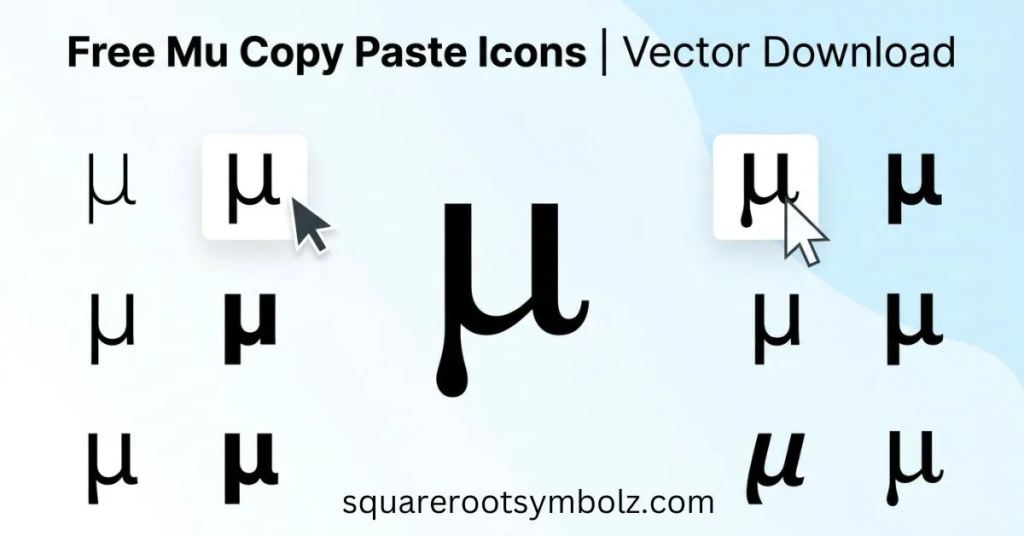
Text and graphics serve different purposes. Use μ when you need searchable, selectable, accessible text. Use an image or vector when visual styling is more important. For equations, academic writing, and web content, Unicode text is usually preferable because users can copy it, search it, resize it, and interpret it with assistive technologies.
Quick Mu Copy Paste Symbol Table
The quickest reference is μ for Greek lowercase Mu, Μ for Greek uppercase Mu, and µ for the micro sign. The code points are U+03BC, U+039C, and U+00B5 respectively. Keeping these three characters separate prevents many common copy-and-paste mistakes.
| Symbol | Character name | Unicode | HTML |
| μ | Greek Small Letter Mu | U+03BC | μ |
| Μ | Greek Capital Letter Mu | U+039C | Μ |
| µ | Micro Sign | U+00B5 | µ |
| 𝛍 | Mathematical Bold Small Mu | U+1D6CD | 𝛍 |
| 𝜇 | Mathematical Italic Small Mu | U+1D707 | 𝜇 |
| 𝞵 | Mathematical Sans-Serif Bold Italic Small Mu | U+1D7B5 | 𝞵 |
Unicode’s current mathematical-symbol charts include multiple styled Mu characters, including mathematical sans-serif bold italic small Mu at U+1D7B5.
The most important practical distinction is μ versus µ. They look extremely similar, but they are not the same Unicode character. If you are writing a Greek letter in a mathematical expression, use μ. If you specifically need the SI micro sign character, use µ.
Why μ and µ are often confused
The confusion comes from their nearly identical visual appearance. Greek lowercase Mu is a letter, while the micro sign is a separate compatibility character. In modern scientific text, the Greek letter μ is commonly seen in expressions such as μm, μg, and μL, but technical systems may distinguish the underlying code points.
For everyday copy-and-paste use, the difference may never be noticeable. For programming, data processing, formal publishing, or character-sensitive systems, however, using the intended Unicode character can prevent unexpected matching, searching, or normalization issues.
Conclusion
My copy paste is easiest when you start with the exact character you need: μ for Greek lowercase Mu, Μ for uppercase Mu, and µ for the separate micro sign. From there, you can use Unicode, HTML, CSS, Alt codes, Word shortcuts, or Character Viewer depending on your device and application.
For most users, simply copying μ is the fastest solution. If you frequently work with mathematics, statistics, physics, engineering, chemistry, measurements, or scientific writing, learning the Unicode code U+03BC and a reliable insertion method can save time and prevent confusion between Mu and the micro sign.
FAQs
What is the Mu symbol?
The lowercase Greek Mu is μ, while the uppercase form is Μ. The visually similar µ is the separate Micro Sign character.
How do I copy and paste the Mu symbol?
Copy μ directly, then use Ctrl + V on Windows or Command + V on Mac. You can also use it in documents, websites, emails, and messaging apps.
What is the Unicode for Mu?
The Unicode code point for Greek lowercase Mu is U+03BC. The Greek uppercase Mu is U+039C.
What is the Alt code for Mu?
A commonly documented Windows Alt code for lowercase Greek Mu is Alt + 956 using the numeric keypad. Some environments also report Alt + 230, so Unicode-based methods can be more predictable across applications.
What is the difference between μ and µ?
μ is Greek Small Letter Mu, U+03BC. µ is Micro Sign, U+00B5. They look almost identical but are different Unicode characters.
What is the HTML code for Mu?
For lowercase Greek Mu, use μ, μ, or μ. For uppercase Mu, use Μ or Μ.
What does μ mean in mathematics?
The meaning depends on context. In statistics, μ commonly represents a population mean. In mathematics and science, it can also represent a variable or other quantity defined by the particular formula.
What does μ mean in measurements?
In SI-related measurements, the Greek letter μ is commonly seen with units such as μm and μg, while the micro prefix represents 10⁻⁶, or one millionth, of a unit.
How do I type μ in Microsoft Word?
Type 03BC and press Alt + X. Microsoft Word converts the Unicode hexadecimal value into μ. You can also use Insert → Symbol or the Equation tool.

I’m the creator of SquareRootSymbolz.com, where I publish easy-to-understand guides on symbols, Unicode characters, Alt codes, keyboard shortcuts, and copy-and-paste text symbols. My goal is to provide accurate, well-researched, and user-friendly content that helps readers quickly find the information they need.