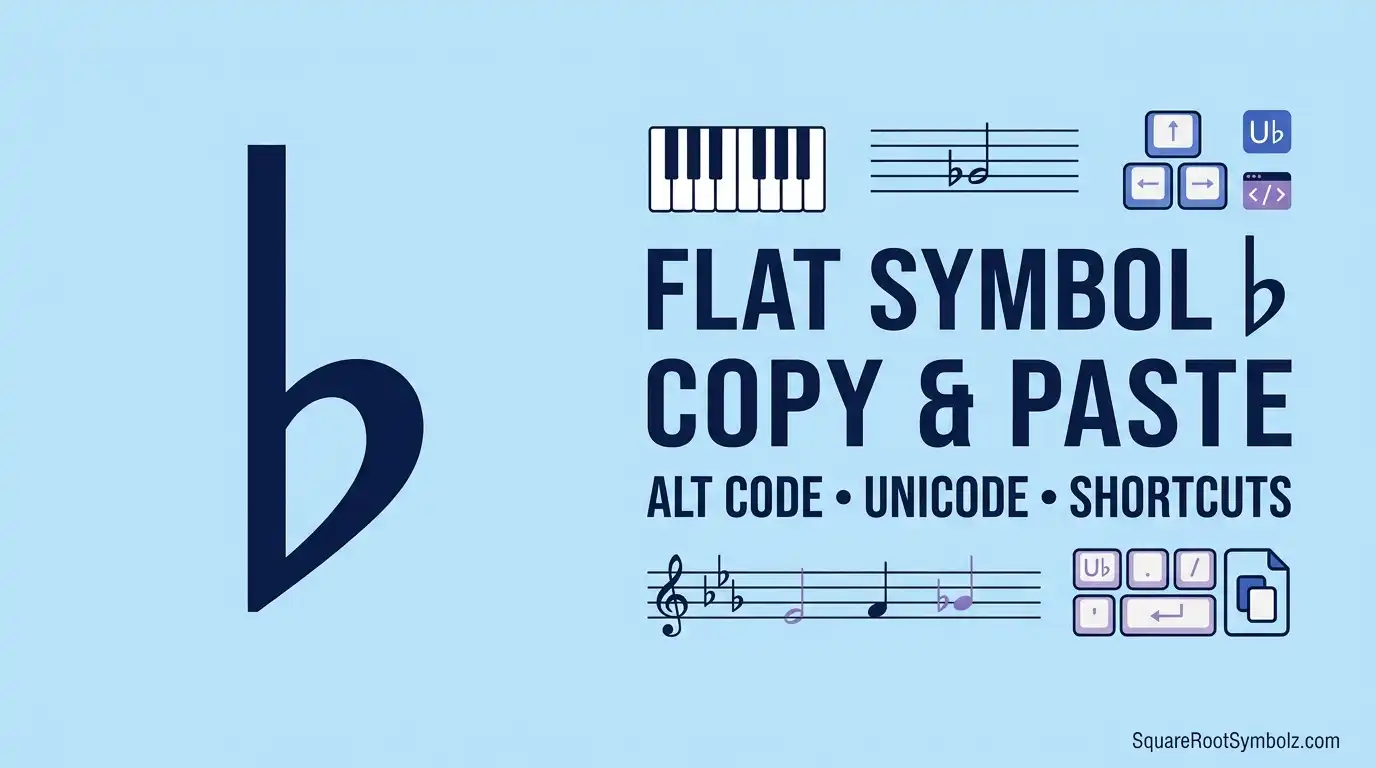
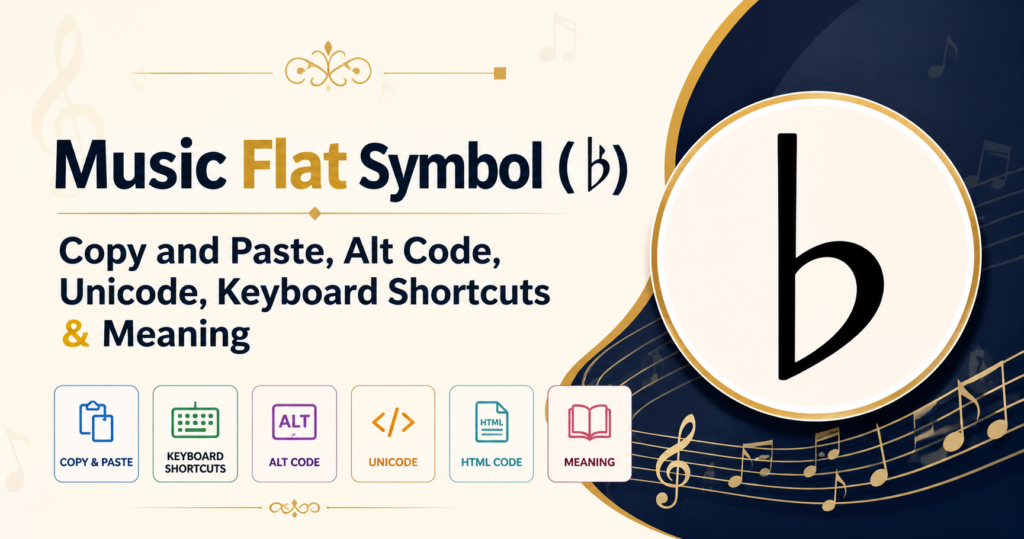
The Music Flat Symbol (♭) is one of the most recognizable symbols in music notation. It tells musicians to lower the pitch of a note by one semitone, making it essential in sheet music, key signatures, and chord symbols. Whether you need to copy and paste the symbol, type it using a keyboard shortcut, or insert it into Microsoft Word, Google Docs, HTML, or LaTeX, this guide covers everything in one place.
Music Flat Symbol ♭ Copy and Paste
Need the Music Flat Symbol quickly? Simply copy it from the box below and paste it wherever you need.
Copy the Flat Symbol
| Symbol | Name | Copy |
| ♭ | Music Flat Symbol | ♭ |
Quick Copy: ♭
You can paste this symbol into:
- Microsoft Word
- Google Docs
- Excel
- PowerPoint
- Outlook
- Discord
- X (Twitter)
- Music notation software
- Websites and blogs
Different Flat Symbol Variations
Depending on your purpose, you may also encounter these musical symbols:
| Symbol | Name | Common Use |
| ♭ | Flat | Lowers a note by one semitone |
| 𝄫 | Double Flat | Lowers a note by two semitones |
| ♮ | Natural | Cancels a flat or sharp |
| ♯ | Sharp | Raises a note by one semitone |
Related Music Symbols
If you’re working with music notation, these symbols are commonly used alongside the flat sign:
| Symbol | Meaning |
| ♩ | Quarter Note |
| ♪ | Eighth Note |
| ♫ | Beamed Eighth Notes |
| ♬ | Beamed Sixteenth Notes |
| ♭ | Flat |
| ♮ | Natural |
| ♯ | Sharp |
These symbols are widely used in sheet music, music education, and digital notation software.
What Is the Music Flat Symbol (♭)?
The Music Flat Symbol (♭) is an accidental in music theory that lowers the pitch of a note by one semitone (half step). It appears before a note on the musical staff or in a key signature to indicate that the note should be played or sung slightly lower than its natural pitch.
For example:
- B becomes B♭
- E becomes E♭
- A becomes A♭
The flat sign is used in virtually every style of music, including classical, jazz, pop, rock, blues, and film scores.
Meaning in Music
In music notation, the flat sign changes the pitch of a note without changing its letter name.
For example:
- B → B♭
- E → E♭
- A → A♭
Each flat lowers the original note by exactly one semitone, producing a different pitch while keeping the same note name.
Why Musicians Use the Flat Sign
Musicians use the flat symbol to accurately represent notes that fall one semitone below their natural pitch. It helps composers and performers write and interpret music consistently across different keys.
Common reasons for using the flat sign include:
- Writing key signatures
- Creating smooth melodic movement
- Building major and minor scales
- Writing jazz and blues chords
- Improving harmonic accuracy
- Representing accidentals within a measure
Without flat symbols, many musical compositions would be difficult to read and perform correctly.
Common Examples of Flat Notes
Some of the most frequently used flat notes include:
| Flat Note | Enharmonic Equivalent |
| B♭ | A♯ |
| E♭ | D♯ |
| A♭ | G♯ |
| D♭ | C♯ |
| G♭ | F♯ |
Although these notes sound the same on many modern instruments, composers choose either the flat or sharp spelling based on the musical key and harmonic context.
Music Flat Symbol Alt Code, Unicode and Character Information

If you frequently type musical symbols, knowing the Alt Code, Unicode, and encoding information can save time.
Alt Code
On Windows computers with a numeric keypad, you can type the flat symbol using:
Alt + 9837
Note: Some applications may not support Alt-code input directly. In those cases, copying and pasting the symbol is often the easiest method.
Unicode (U+266D)
Every character has a unique Unicode value.
The Music Flat Symbol uses:
| Property | Value |
| Symbol | ♭ |
| Unicode Name | Music Flat Sign |
| Unicode | U+266D |
| Unicode Block | Miscellaneous Symbols |
| Unicode Version | Unicode 1.1 |
| Category | Symbol, Other (So) |
| HTML Entity | ♭ |
| Decimal | ♭ |
| Hexadecimal | ♭ |
This Unicode character is supported by modern operating systems, browsers, and word processors.
HTML Entity
To display the flat symbol on a web page, use one of these HTML entities:
| Method | Code |
| Named Entity | ♭ |
| Decimal | ♭ |
| Hexadecimal | ♭ |
All three methods render as:
♭
Character Encoding Reference
The following table provides a quick reference for developers, students, and musicians.
| Property | Value |
| Character | ♭ |
| Official Name | Music Flat Sign |
| Unicode | U+266D |
| Decimal Code | 9837 |
| HTML Named Entity | ♭ |
| HTML Decimal | ♭ |
| HTML Hex | ♭ |
| UTF-8 Encoding | E2 99 AD |
| Category | Musical Symbol |
This information is useful when working with websites, software development, databases, and digital music applications.
How to Type the Music Flat Symbol on Any Device
Typing the Music Flat Symbol (♭) is simple once you know the correct keyboard shortcut or insertion method for your device. Below are the easiest ways to type it on Windows, Mac, Chromebook, Linux, Android, and iPhone.
Windows Keyboard
There are several ways to type the Music Flat Symbol on Windows.
Method 1: Alt Code (Numeric Keypad)
- Turn on Num Lock.
- Hold the Alt key.
- Type 9837 on the numeric keypad (or use your application’s supported symbol insertion feature if Alt codes don’t work).
- Release the Alt key.
Method 2: Character Map
- Open Character Map.
- Search for Music Flat Sign.
- Copy and insert the symbol where needed.
Method 3: Copy and Paste
Simply copy ♭ from this page and paste it into any application.
Tip: Some Windows laptops without a dedicated numeric keypad may not support Alt-code entry directly. In that case, use Character Map or copy and paste.
Mac Keyboard
macOS provides an easy way to insert special symbols.
Option 1: Character Viewer
- Press Control + Command + Space.
- Search for Flat.
- Select ♭.
Option 2: Copy and Paste
Copy ♭ and paste it anywhere.
Chromebook
Chromebooks don’t have a dedicated shortcut for the flat symbol.
The easiest methods are:
- Copy and paste ♭
- Use the Unicode picker (if available)
- Insert it from Google Docs’ Special Characters tool
Linux
Most Linux distributions support Unicode character input.
Common methods include:
- Unicode input
- Character Map
- GNOME Characters
- KDE Character Selector
You can also copy and paste ♭ directly.
Android
On Android phones or tablets:
- Open your keyboard.
- Long-press keys if your keyboard supports musical symbols.
- Or simply copy ♭ from this page and paste it into your app.
This works in:
- Gmail
- Google Docs
- Notes
- Messages
- Social media apps
iPhone and iPad
iOS doesn’t include the flat sign on the standard keyboard.
The easiest method is:
- Copy ♭
- Tap and hold where you want to insert it.
- Select Paste.
If you use the symbol frequently, you can create a Text Replacement shortcut in Settings > General > Keyboard > Text Replacement.
Insert the Music Flat Symbol in Popular Apps

Different applications offer different ways to insert the Music Flat Symbol (♭). Here are the quickest methods.
Microsoft Word
Microsoft Word offers multiple options:
Method 1: Symbol Menu
- Select Insert.
- Click Symbol.
- Choose More Symbols.
- Locate Music Flat Sign (♭).
- Click Insert.
Method 2: Copy and Paste
Copy ♭ and paste it directly into your document.
Google Docs
Google Docs makes inserting special characters easy.
Method 1: Special Characters
- Go to Insert.
- Select Special Characters.
- Search for Flat.
- Click the symbol.
Method 2: Copy and Paste
Paste ♭ directly into your document.
Excel
You can insert the flat symbol in Microsoft Excel by:
- Copying and pasting ♭
- Using Insert > Symbol
- Using the UNICHAR function:
=UNICHAR(9837)
This returns:
♭
PowerPoint
PowerPoint supports the same methods as Word.
- Insert → Symbol
- Copy and paste
- Character Map (Windows)
- Character Viewer (Mac)
This is useful when creating music lessons, presentations, or educational slides.
Outlook
To use the Music Flat Symbol in Outlook emails:
- Copy and paste ♭
- Use Insert → Symbol
- Use Character Map (Windows)
The symbol displays correctly in most modern email clients.
The Music Flat Symbol (♭) is supported across major operating systems and office applications, making it easy to include in documents, spreadsheets, presentations, emails, and digital music resources.
Music Flat Symbol in HTML, CSS, JavaScript and LaTeX
If you’re building a website, creating a web application, or writing technical documentation, you can display the Music Flat Symbol (♭) using HTML, CSS, JavaScript, or LaTeX. The examples below make it easy to use the symbol in different environments.
HTML Code
There are three common ways to display the Music Flat Symbol in HTML.
♭
♭
♭
All three methods display:
♭
CSS Content Value
To insert the flat symbol using CSS, use its Unicode value.
content: “\266D”;
This is useful for pseudo-elements like ::before and ::after.
Example:
.note::before {
content: “\266D”;
}
JavaScript Unicode
JavaScript supports Unicode escape sequences.
“\u266D”
Example:
console.log(“\u266D”);
Output:
♭
You can also insert the symbol dynamically into HTML elements.
LaTeX Command
LaTeX provides built-in commands for music notation.
\flat
Example:
$B\flat$
Output:
B♭
This command is commonly used in mathematical documents, music theory books, and academic papers
HTML, CSS, JavaScript and LaTeX Comparison Table
| Platform | Code | Output |
| HTML Named Entity | ♭ | ♭ |
| HTML Decimal | ♭ | ♭ |
| HTML Hex | ♭ | ♭ |
| CSS | \266D | ♭ |
| JavaScript | \u266D | ♭ |
| LaTeX | \flat | ♭ |
Flat Symbol vs Sharp Symbol vs Natural Symbol
The Flat (♭), Sharp (♯), and Natural (♮) symbols are the three primary accidentals in music notation. Each changes the pitch of a note in a different way.
Key Differences
- Flat (♭) lowers a note by one semitone.
- Sharp (♯) raises a note by one semitone.
- Natural (♮) restores a note to its original pitch by canceling a previous flat or sharp.
These symbols are essential in sheet music, key signatures, and music theory.
When to Use Each Symbol
Use the Flat Symbol (♭) when:
- A note should sound one semitone lower.
- The key signature includes flats.
- Writing flat major or minor scales.
- Naming chords such as B♭, E♭, or A♭.
Use the Sharp Symbol (♯) when:
- A note should sound one semitone higher.
- The key signature contains sharps.
- Writing sharp keys like G Major or D Major.
Use the Natural Symbol (♮) when:
- Canceling an earlier flat.
- Canceling an earlier sharp.
- Returning a note to its natural pitch.
Easy Comparison Table
| Symbol | Name | Function | Example |
| ♭ | Flat | Lowers a note by one semitone | B♭ |
| ♯ | Sharp | Raises a note by one semitone | F♯ |
| ♮ | Natural | Cancels a flat or sharp | B♮ |
Common Uses of the Music Flat Symbol
The Music Flat Symbol appears in many areas of music, education, publishing, and software. Understanding its uses helps musicians, students, teachers, and developers work more efficiently.
Sheet Music
The flat sign is one of the most common symbols in printed sheet music. It appears before notes or within key signatures to indicate that certain notes should be played one semitone lower.
Professional composers use flats to make musical notation accurate and easier to read.
Music Theory
In music theory, the flat symbol is used to explain:
- Major scales
- Minor scales
- Intervals
- Chords
- Harmonic analysis
- Key signatures
Students often encounter flat notes early when learning scales and reading music.
Chord Names
Many popular chords include flat notes.
Examples include:
- B♭ Major
- E♭ Major
- A♭ Major
- D♭ Major
- G♭ Major
These chord names are common in jazz, blues, pop, gospel, and classical music.
Music Education
Teachers use the flat sign in:
- Music textbooks
- Classroom worksheets
- Online lessons
- Theory exams
- Ear training exercises
- Piano and guitar tutorials
Learning how to recognize and type the flat symbol is useful for both students and educators.
Digital Music Software
The Music Flat Symbol is widely supported by modern music software and notation programs.
Common applications include:
- Sibelius
- Finale
- MuseScore
- Dorico
- Guitar Pro
- Logic Pro
- Cubase
- Ableton Live
It is also used in music blogs, educational websites, presentation slides, and digital publications.
Conclusion
The Music Flat Symbol (♭) is an essential part of music notation, helping musicians indicate notes that should be played one semitone lower. Whether you’re studying music theory, writing sheet music, creating chord charts, or developing websites, knowing how to copy, type, and use the flat symbol can save time and improve accuracy.
With its Unicode value (U+266D), HTML entities, keyboard methods, and compatibility across popular apps and devices, the ♭ symbol is easy to use in both educational and professional settings. Bookmark this guide whenever you need a quick reference for copying the symbol, finding its code, or inserting it into your favorite software.
FAQs
What does ♭ mean in music?
The ♭ symbol lowers a musical note by one semitone and is known as the flat sign.
How do I type the Flat Symbol?
You can copy and paste ♭, use your operating system’s symbol tools, or insert it through applications like Microsoft Word and Google Docs.
What is the Alt Code for ♭?
The Unicode decimal value is 9837, and some Windows applications support Alt + 9837 with a numeric keypad.
What is the Unicode for the Flat Symbol?
The Unicode for the Music Flat Symbol is U+266D.
Can I type ♭ on my phone?
Yes. You can copy and paste the symbol or insert it using your device’s character or special-symbol features if available.
How do I insert ♭ in Word?
Go to Insert → Symbol, choose Music Flat Sign, or simply copy and paste ♭.
What is the HTML code for ♭?
You can use ♭, ♭, or ♭.
What is the difference between ♭ and ♯?
The ♭ symbol lowers a note by one semitone, while the ♯ symbol raises it by one semitone.
Is the Flat Symbol available on all keyboards?
Most physical keyboards don’t include a dedicated flat key, but the symbol can be inserted using Unicode, symbol pickers, or copy and paste.
Can I copy and paste the Flat Symbol?
Yes. Simply copy ♭ and paste it into documents, emails, websites, social media posts, or music notation software.

I’m the creator of SquareRootSymbolz.com, where I publish easy-to-understand guides on symbols, Unicode characters, Alt codes, keyboard shortcuts, and copy-and-paste text symbols. My goal is to provide accurate, well-researched, and user-friendly content that helps readers quickly find the information they need.